happy to have been helpful  but i wish you would stop telling us to use Chrome instead of Brave, a lot of use are using Brave for a lot of reasons, it’s way better than chrome on some aspects. Please simply include a Brave test before releasing updates, it takes 1 mn, and makes your product better compatibility. thanks @Yana !
2 Likes
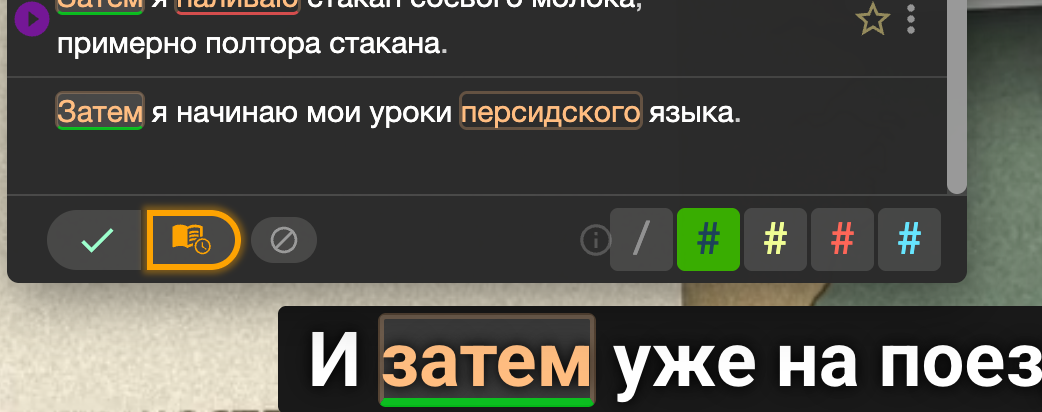
if i may, personnaly i modified the location of these buttons and tags (which i made bigger) and forced alignement of the whole popup layer to be on top of the word. as a designer, this makes so much more sense than to go get the window in the corner of my 42 inch screen and search for the buttons and colors tags. this is ergonomy basic since this is what most people use all the time, it should be right where we need it, which is as close as possible to the mouse when we click on a word. you should include this as an option in the app in the settings. changing this was a real regression from a user workflow perspective.
Thanks for your detailed feedback and the screenshot. I’ve forwarded this suggestion to the team for discussion as an idea for a feature that would allow users to choose where the dictionary pop-up appears. 