I’m browsing Youtube from the Netherlands. I followed all the steps in the FAQ to make the extension work, but it doesn’t. I only intend to use it in Youtube, and also translate some articles (which the extension does, thankfully, by right clicking text on any site)
Hello @debbypie
Thank you for your inquiry.
What browser are you using? Are you using the extension on your desktop?
If so, please tell us if you see the LR switch in the video player—it should be colored, which means it is active.
If it is gray, click on it to enable it.
And do you see the “Translate” and “Find video with subtitles” buttons to the right of the YouTube search field?
Using Google Chrome, on desktop, windows 10
I don’t see any sign of LR extension in youtube at all. No icons, grayed out or not.
I do not see Translate or Find video with subtitles either
My free trial is coming to an end, could you please let me know about my issue? Otherwise, I’m not sure if I’m convinced enough to buy this product, unfortunately
Hello @Albin_Rangefelt,
Please describe the issue in more detail.
What exactly is not working? Is the extension not visible on YouTube, or is saving words/subtitles not working?
Because I am unable to reproduce the issue.
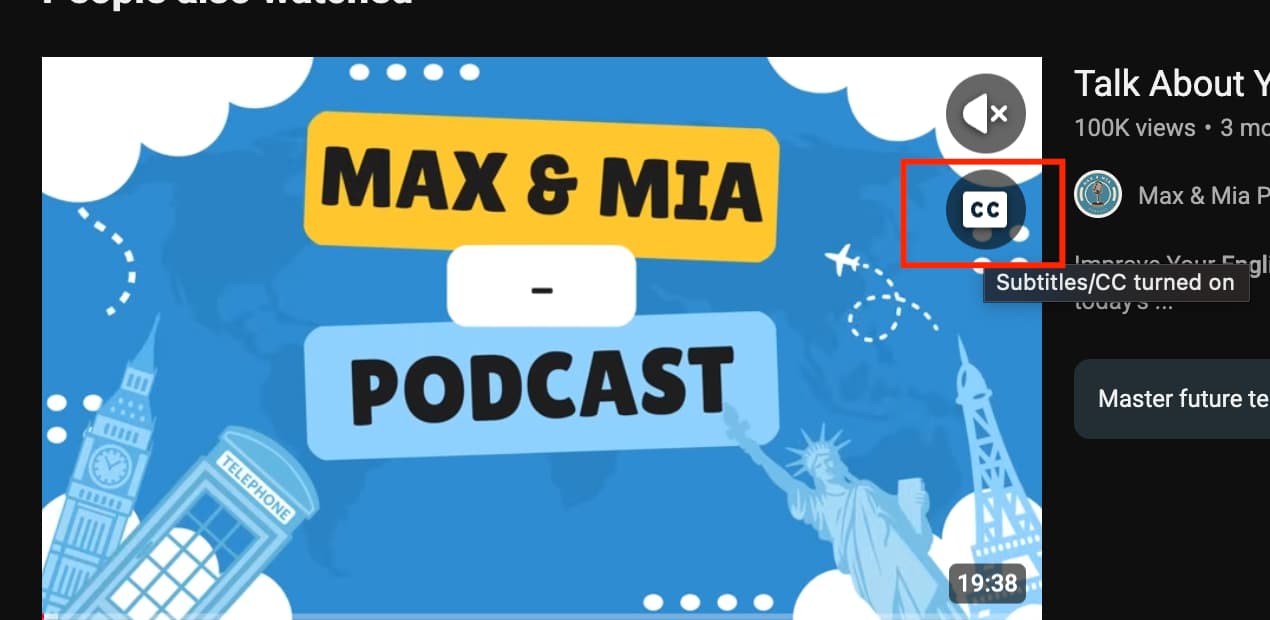
Our extension only works on videos that have subtitles (the subtitle icon should be displayed in the video—see the screenshot below).
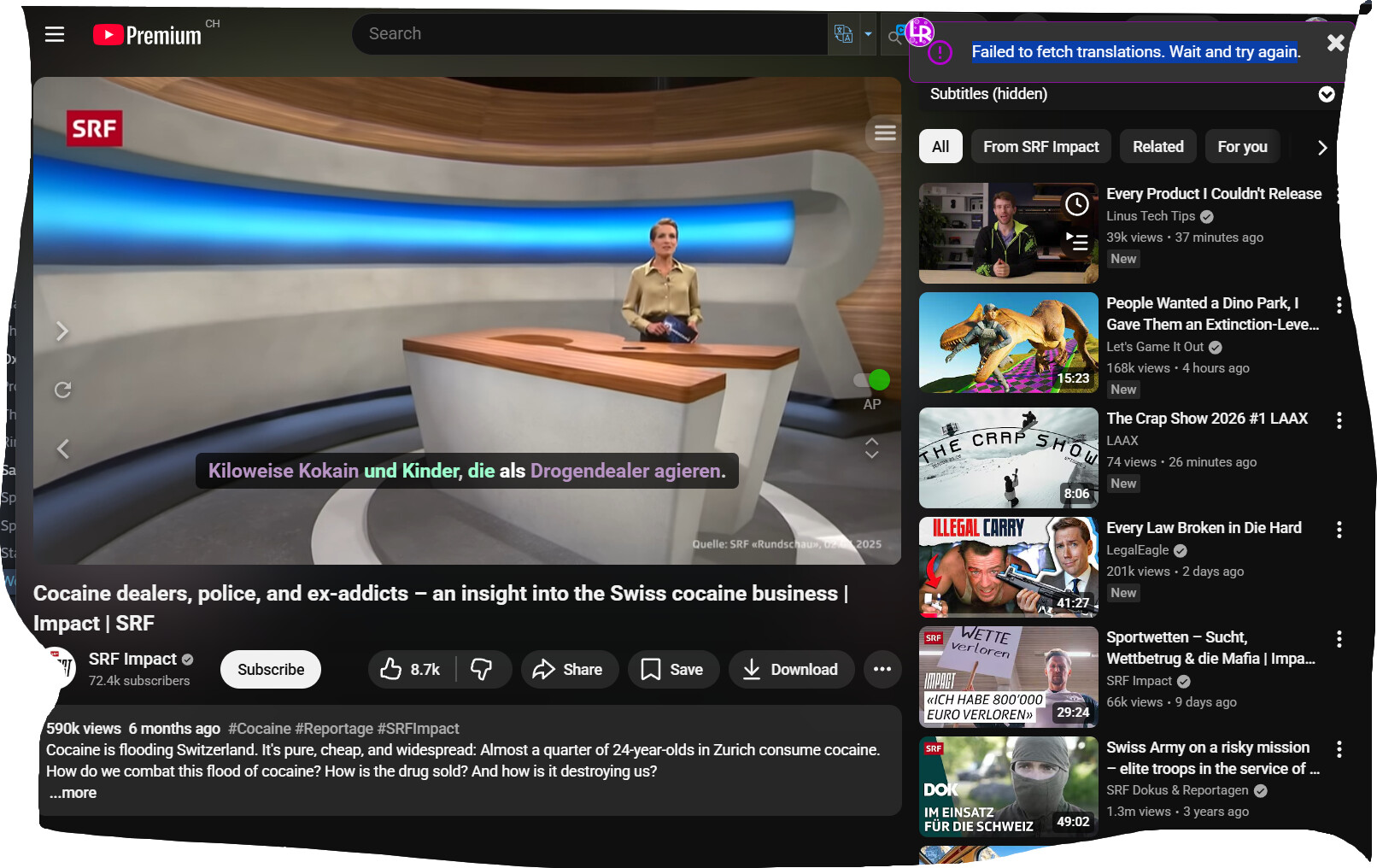
“we’re having server issues. Unable to load data. Please try again later.”
Please fix. This has been going on off and on for a while. I am a pro subscriber.
@Albin_Rangefelt
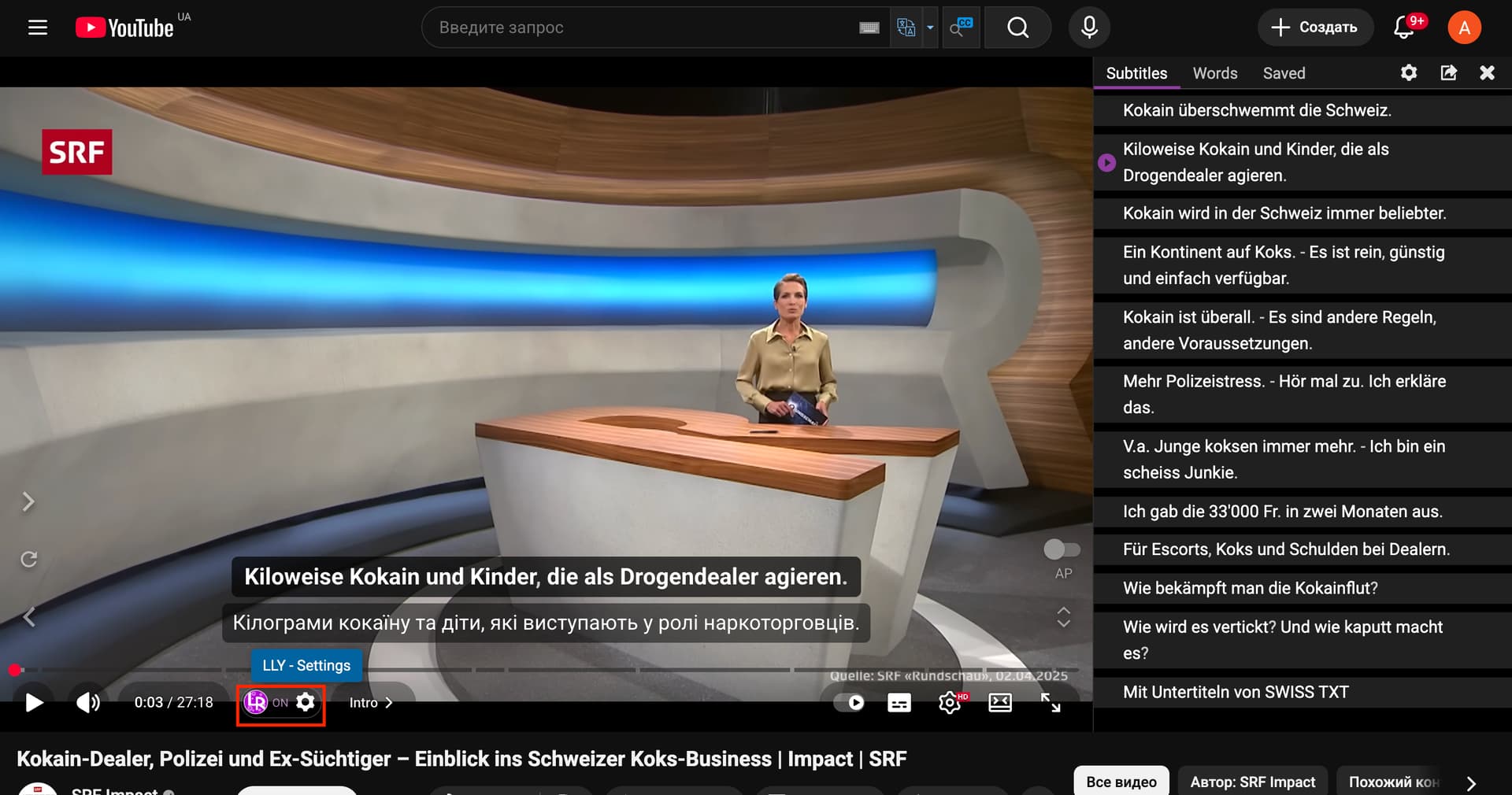
It seems that this has already been fixed. It works for me. Try reselecting the language in the extension settings (see screenshot) or reinstalling the extension
Unfortunately, it didn’t work. I reinstalled the extension, changed the languages, but everything is the same… Maybe it happens because of vpn, that I have to use for YouTube. But it used to work with vpns without any problem…