1 Like
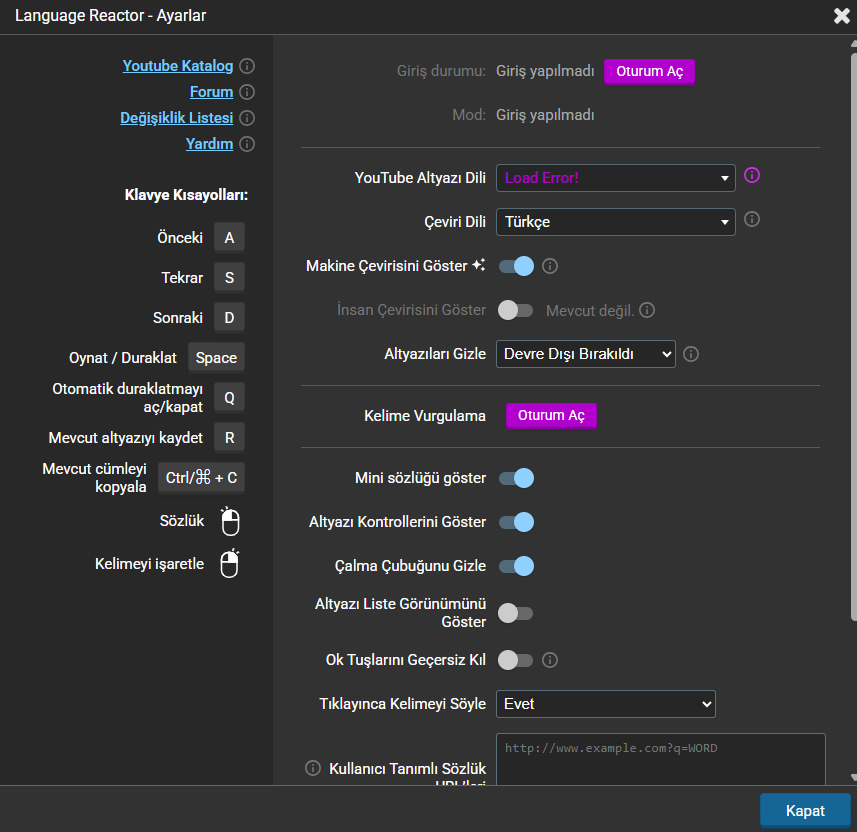
I had this problem a few weeks ago. It was fixed somehow without me doing anything. Now the problem has returned.
1 Like
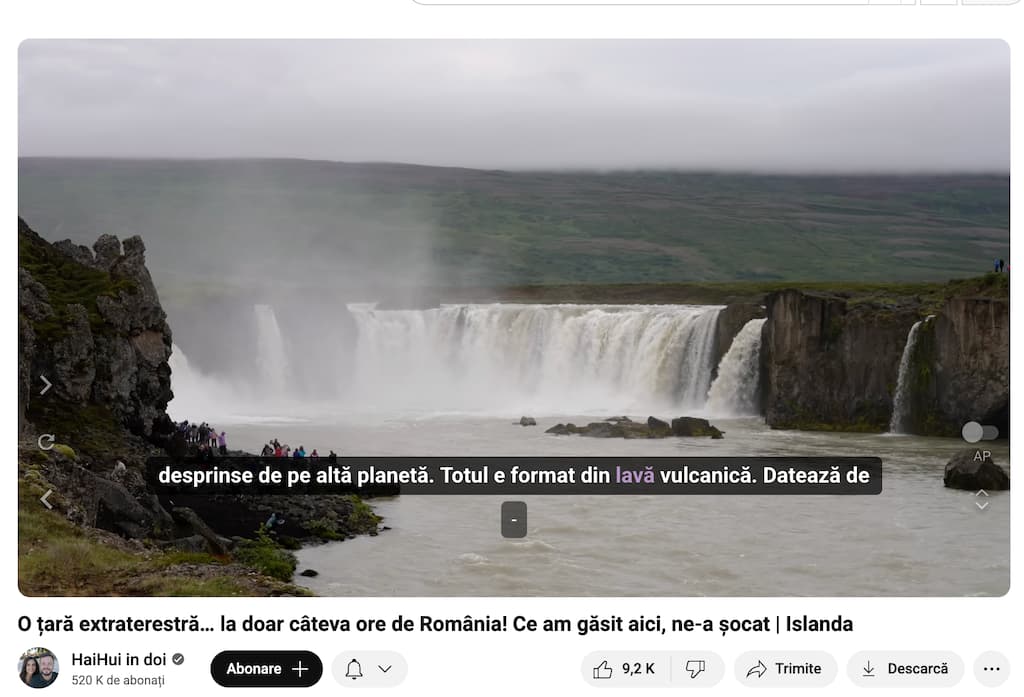
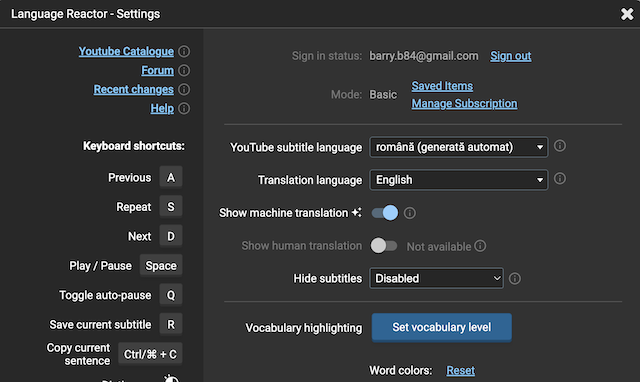
Just to say I am having the same issue. I only noticed it recently although I see some people have been having the problem for weeks. Obviously, you’re having no success fixing the issue. I will enclose a few screen shots to show my settings and the screen showing - in place of the translation.
1 Like
is there some support from LR? So many users have same issue and LR do nothing? Why we paying for your App?
4 Likes
i started to have the same issue again 
2 Likes
Youtube Ai translate is not working “-” only have this.
It looks like a Same problem as before.
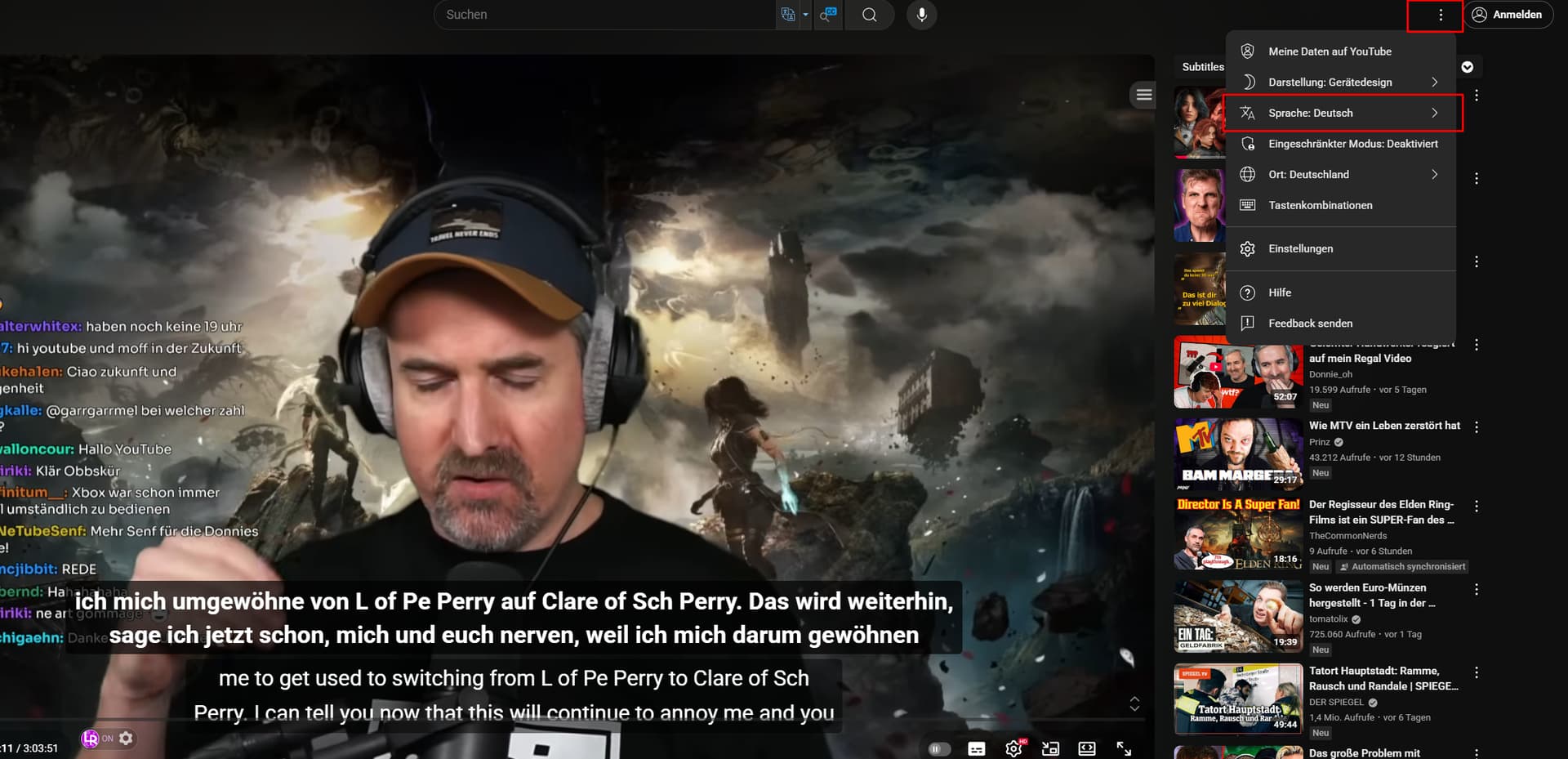
I met the same problem. And this problem somhow solved itself but after some days, the problem show again without doing anything. I am doubting the problem is because the server from Youtube. I changed my VPN from German into Sweden and the problem solved. However, after some time, the problem happened again. Now I have no idea what is going wrong with this.
3 Likes
Hello everyone!
Thank you for reporting this issue. It seems that the problem is on YouTube’s end. We understand that it’s important and we’re already looking into what can be done on our end to improve or fix it.
In some cases, reloading the page may help temporarily. We’ll keep you updated as soon as we have more information.
Thank you for your patience! 
2 Likes
I have the same problem, I’ve used this app for years and this is the first time this happens, I’m specifically studying japanese, the kanji and romaji show but I only get the ‘-’ for the part where there should be english subtitles. This is extremelly frustrating as I’m preparing for an exam and I need to have this fixed as soon as possible
2 Likes
Same problem, but it happens from time to time, some videos will be like this, some videos will not
1 Like
me pasa lo mismo desde que se actualizo youtube no me traduce todos los videos como antes
2 Likes
I have the same problem. Please help me resolve it as soon as possible. Changing the country/region or the language settings on YouTube hasn’t worked. I’ve tried all of the above methods, and this issue has also just recently appeared.
1 Like
I solved this problem with a VPN to pretend to be a user from another country.
e.g.VPN Gate - Public Free VPN Cloud by Univ of Tsukuba, Japan
(post deleted by author)
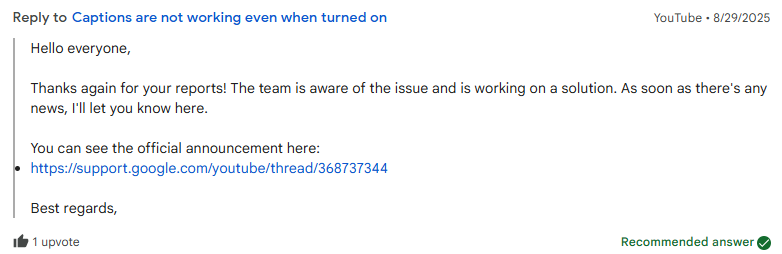
Thank you. I understand that this issue is on YouTube.
There is no confirmation from Youtube yet, but some subtitles are now working, although buggy.
3 Likes
me too… i`m pro license