Hi, when I try to filter by languages on the Netflix tab, it no longer works. For example, no matter if I filter by French or Spanish, the top results are always English shows (Breaking Bad, Stranger Things).
Hello @tacocat1,
The country filter on the Netflix tab does not show the country where a movie was filmed. Instead, it displays titles available in the selected country based on Netflix’s regional catalog.
That’s why you can still see shows in English, such as “Breaking Bad” or “Stranger Things” - they’re simply available in that country.
Also, language filtering is based on the Study language you selected, so results are adjusted according to that setting.
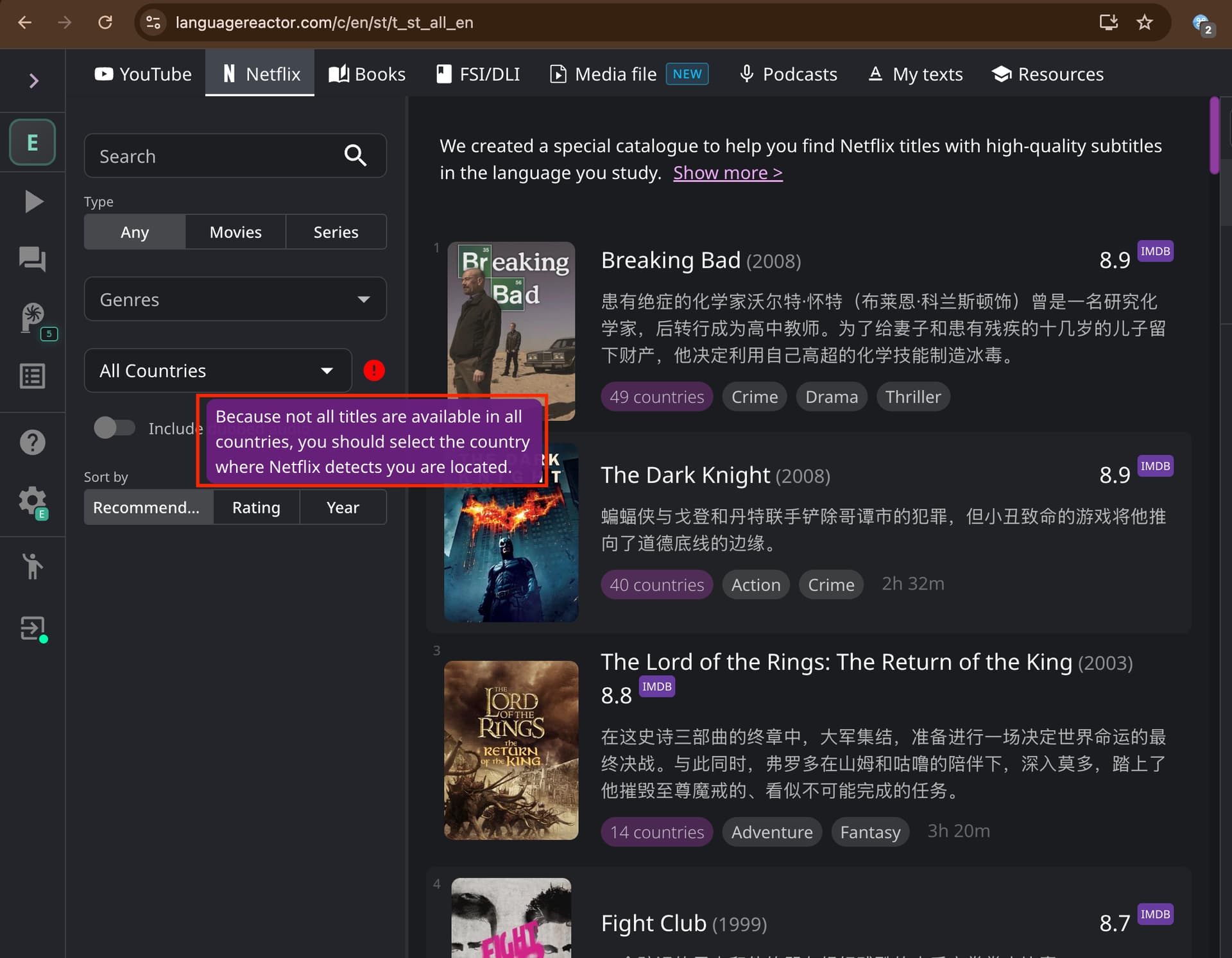
@Yana Thank you for the response. I’m still unclear on this, my question is regarding the language filter and not the country. If select the study language as Spanish then it should show shows originally in Spanish, but it is showing English shows instead. This was working a couple weeks ago.
Same problem here. My study language is French but the catalog shows shows originally in English.
@tacocat1 Thanks for your reply! As far as I know, it filters by the audio languages available for selection in a movie on Netflix (Netflix audio language), not by the original language
Is there a way to change this back to how it was? A couple weeks ago it was filtering by the original language, now I’m having trouble finding anything in my study language that’s not a dub.
@tacocat1 Thanks for the suggestion, we’ll look into it!
But for now, you can go to Netflix and use the “Browse by Language” section to find the movie you want with subtitles in the language of your preference.
