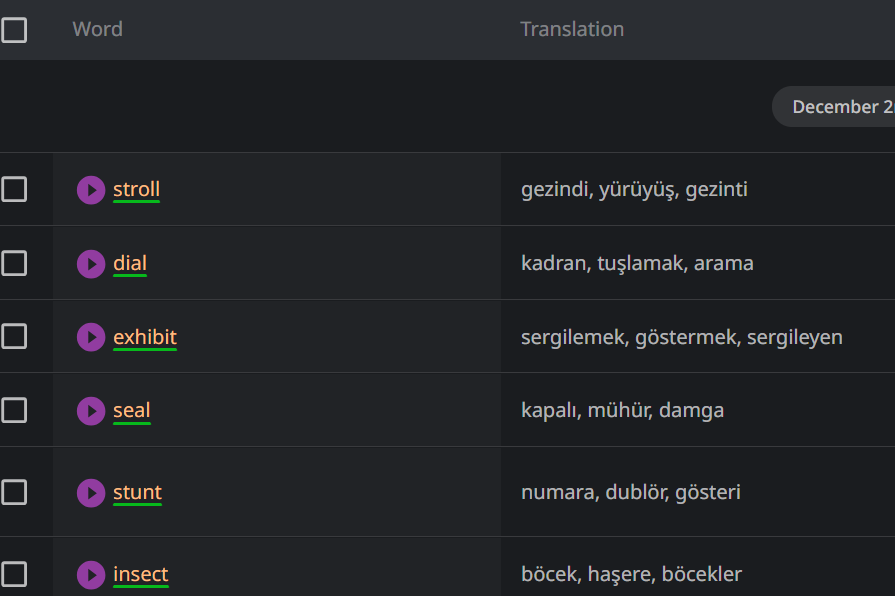
As can be easily seen in the image, the translation is in turkish but it is not what I want. My main language is turkish but I’d prefer to learn words in english . So, that’s why I changed all my translation preferences as english but it’s still Turkish here.
Hi @avlananAvci
It appears that you are still seeing Turkish translations because when you originally saved those words, your Translation language was set to Turkish.
You cannot change the Translation language for words that have already been saved.
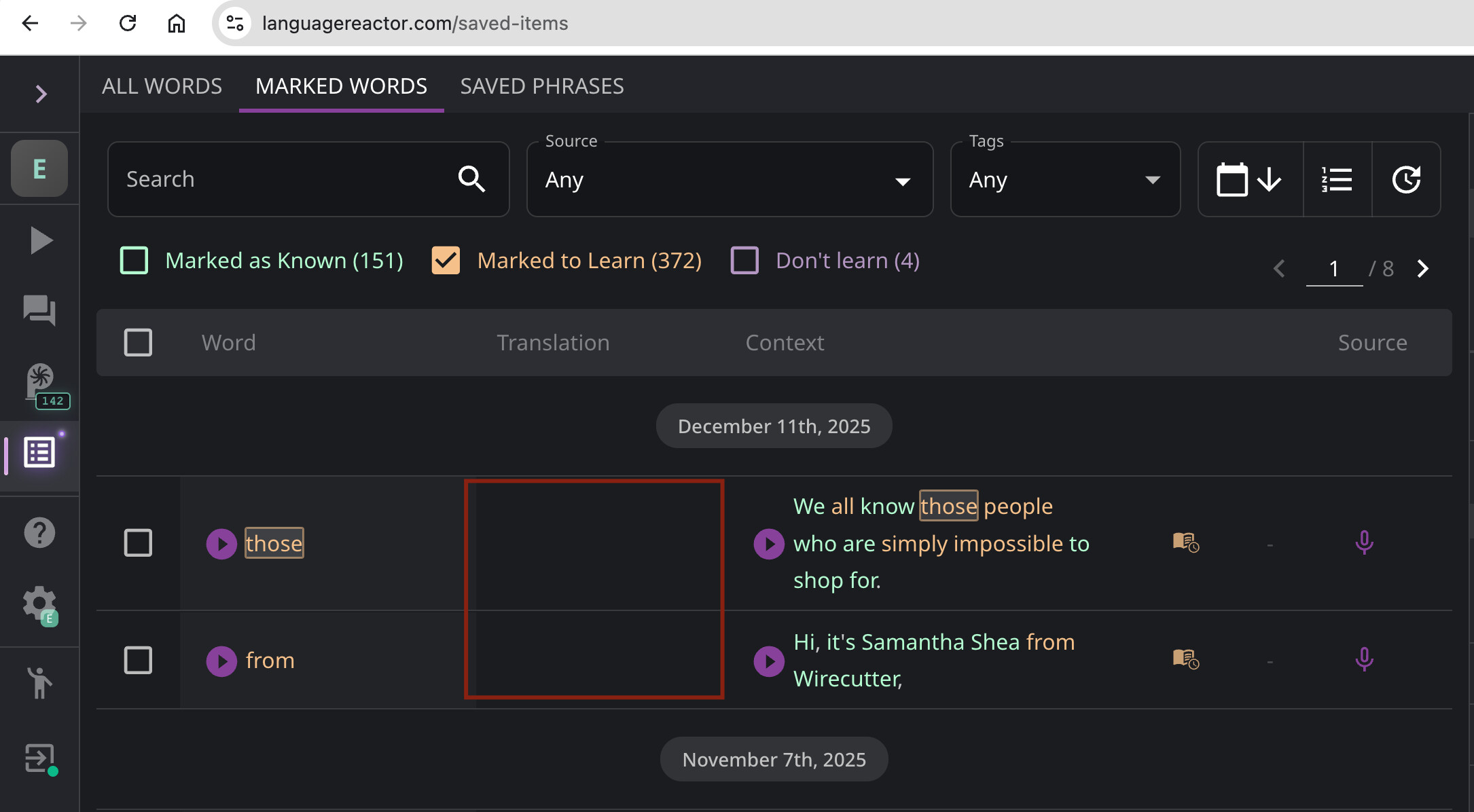
If both are in English, there will be nothing to display in the Translation column — it will remain empty (see screenshot).
If you want to learn English, select English in Study language.
Specify your native language in Translation language to receive translations of English words.
I had the same confusion! It turns out the translation language is ‘locked in’ at the moment you save the word. Changing the settings now won’t update the old ones, only the new ones you save from here on out. You might have to unsave and re-save those specific words to get them to show up in English!