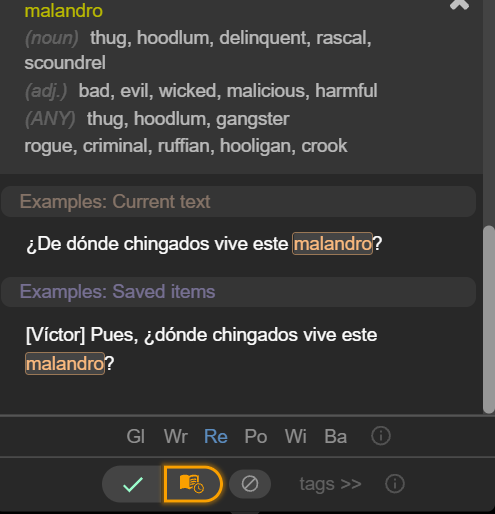
I don’t know how to change the audio in the items I’ve saved from machine to original. Here’s why it’s machine though:
I’ve realized I’ve been watching stuff with CC subs all the time, and when I save a word from CC, it does the machine voice. However, the same subtitle without CC is saved with original audio.
So I guess my actual question is whether there’s any way to keep the same saved words and timings, but change the context source from CC Spanish to just Spanish? It’d basically be the same.
Thanks for your help 
Hello @kisilyowjb,
At the moment, original audio is saved only for phrases (contexts) taken from Netflix. This does not work for YouTube.
For individual saved words, the audio is always generated by AI - this is the case for both YouTube and Netflix, regardless of the subtitle source (CC or non-CC).
So:
- If you save a phrase/context from Netflix, it will play back with original audio.
- If you save a word, it will always use AI-generated audio.
- For YouTube, original audio is not saved at all, even for phrases.
Because of this limitation, it’s currently not possible to keep the same saved words and timings while switching the audio source from CC Spanish to original Spanish.
Yeah I know all of that, so to be more specific, I want the audio for the context changed, not the individual words. And yeah, the context in question is from Netflix. If I use CC subs in Netflix, it doesn’t (and didn’t) save the original audio.
@kisilyowjb Does this happen in all movies on Netflix? Or only in certain ones? I want to try to reproduce the issue