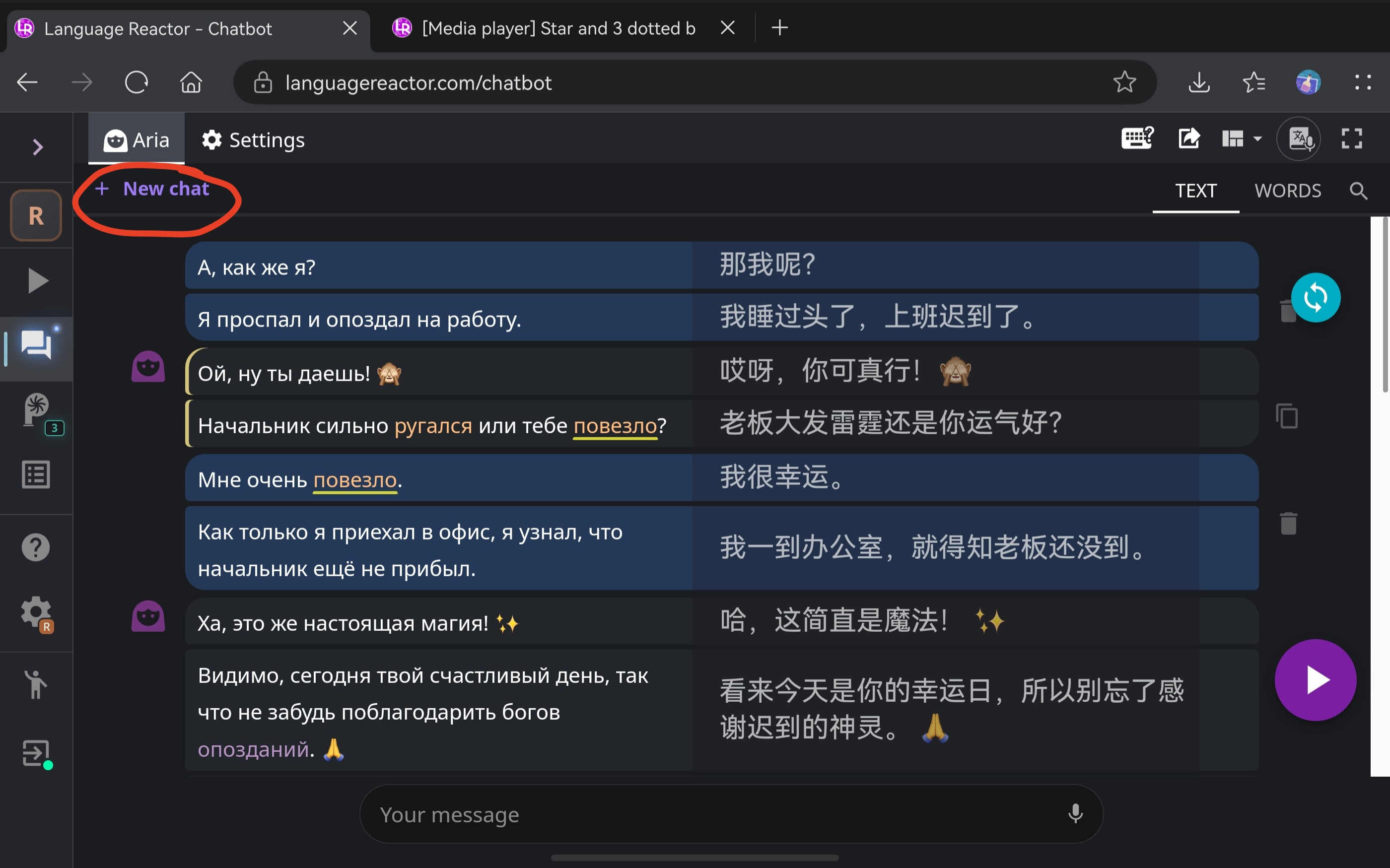
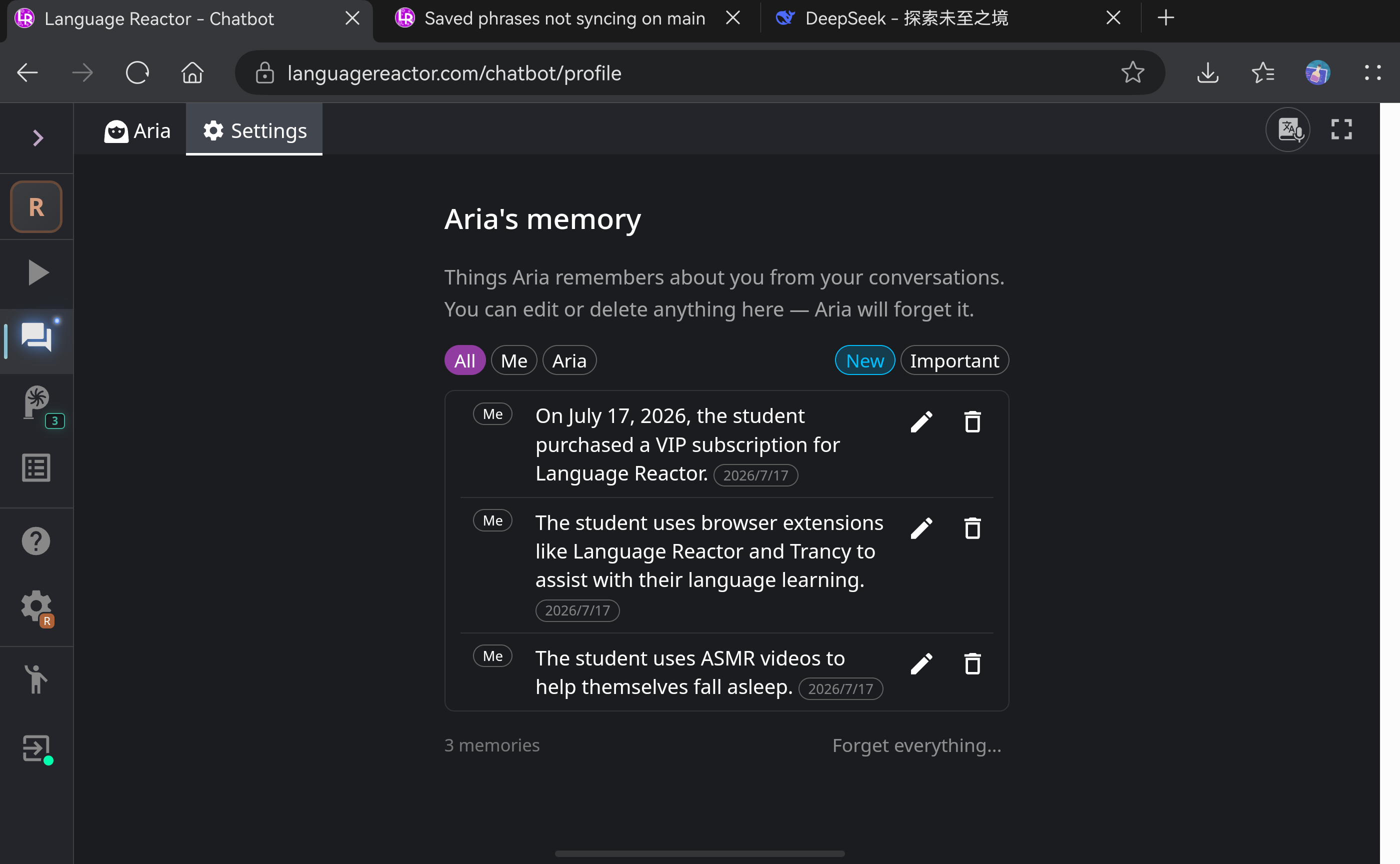
After I clicked the “New Chat” button in the upper-left corner of Chatbot Aria, I couldn’t find my previous conversations (even if I’m a PRO). Later I found a summary of them in Settings → Aria’s Memory. But this feature doesn’t work well enough for me.
I hope that in the future we could check, edit, and continue previous conversations, just as we can in ChatGPT. Thanks.
Hi @Yarik_CHEN, thank you for your message. Actually, there is currently no feature to save previous chats; that is, as soon as you create a new chat, the old one disappears (the current chat is saved when you refresh the page, switch between sections, or start a new session). Only the notes that Aria creates based on your chats with her are saved in Memory.
The ChatBot section will be improved, and the ability to save previous chats may be added.