Hi,
can you add functionality to create keyboard shortcut for Machine Translation please?
Justification: when learning japanese on japanese netflix, i try NOT to look at translation most of the time. However when i cant understand it at all, i want to use machine translation. It is quite cumbersome however - i need to open the setting windows each time…
Hi @Piotr_P_P, thank you for your request!
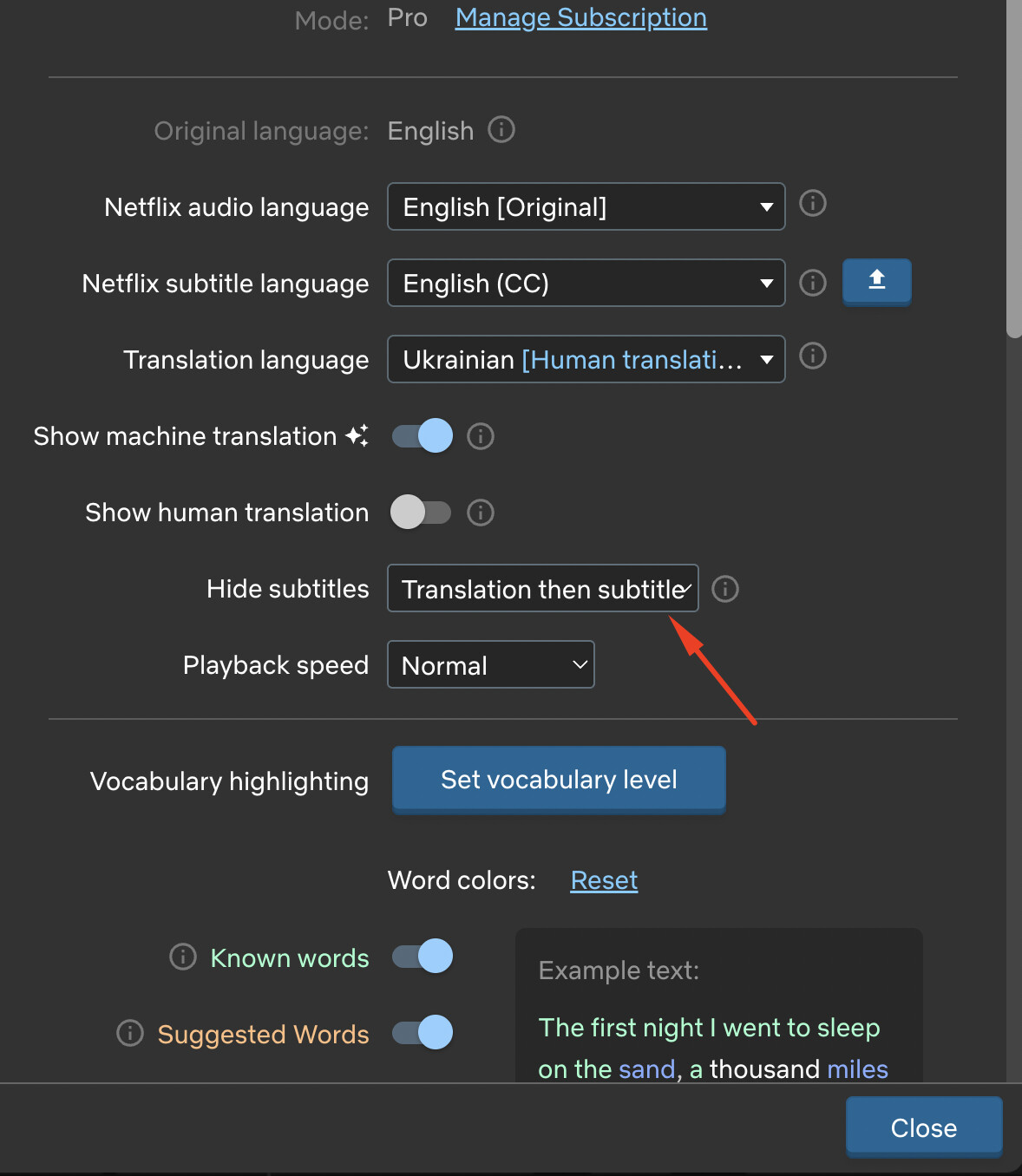
You can now enable the “Hide translation:translation then subtitle” feature in the settings and press the ‘E’ key on your keyboard to display the translation; pressing it a second time displays the subtitles.
This way, the subtitles and translation will always be hidden and will only appear when you need them!
Thank you!