I’ve seen that though currently you can change the playback speed from “1x” to “0.8x” and viceversa, so this issue was once adressed partially, you can’t choose more options (such as “0.5x” or “1.25x” or “1.50x” or even “2x”. It would be great to be able to choose among the options, extremely slow as a beginner, and choosing higher speeds when you have some level and you reread a book you already read, while still having the translation available, or hearing a paragraph in different speeds to get used to such speeds (people talk way faster in real life).
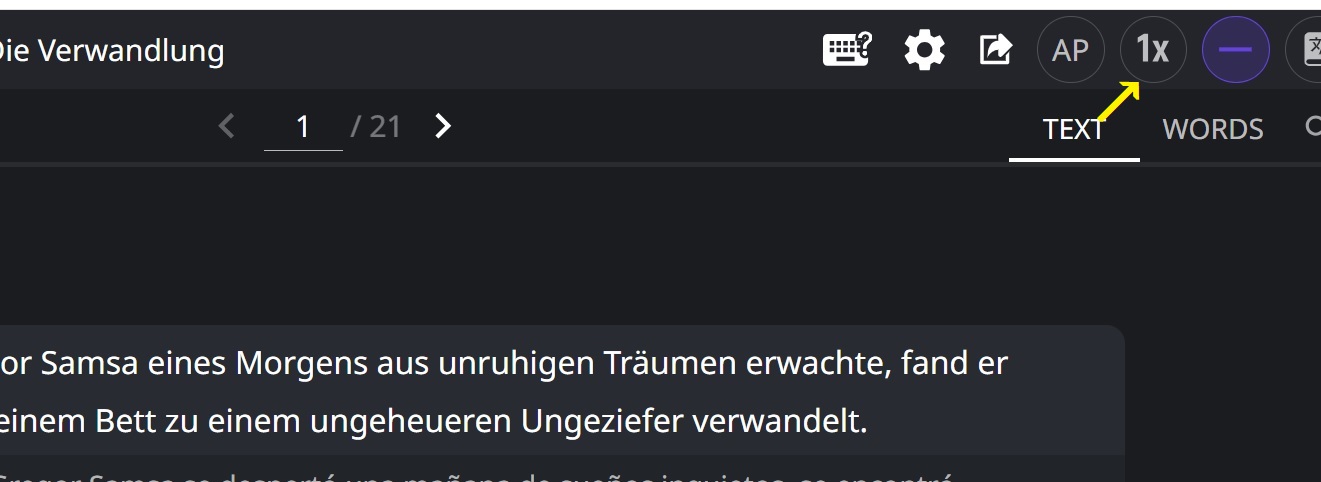
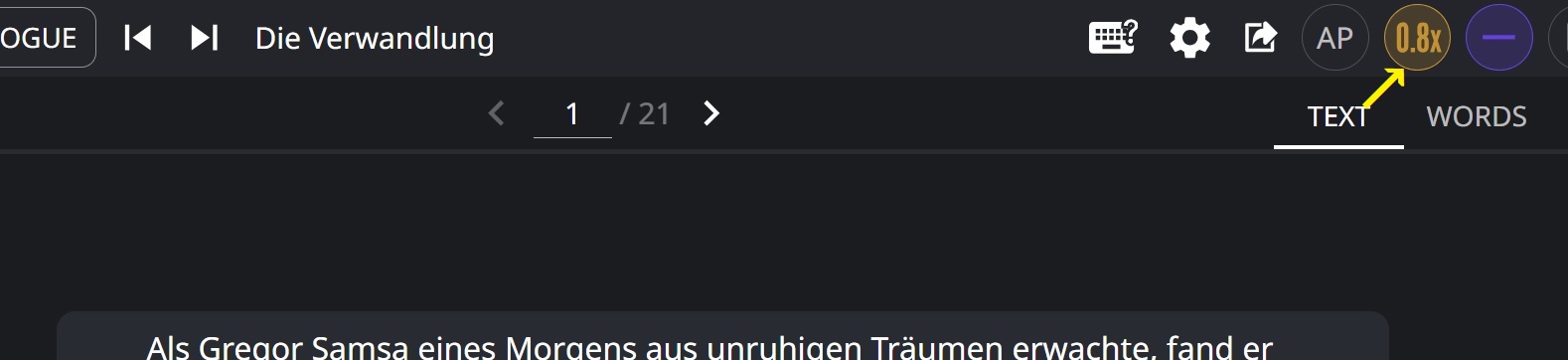
I see that isn’t even in the “Feature TODO List and roadmap” among the things to develop, even if that is the main issue I find with LR. The book/text feature is great, the neat way each sentence appears with its translation, though there are lots of text-to-speech apps around, you don’t find such a neat feature around that much, with the translation and all the possibilities in LR, but it’s frustrating that you can’t toggle or dial up the speed up and down apart from “1x” and “0.8x”, even if most Text-to-speech apps have that, so even if the text option here is amazing and has aspects that aren’t offered elsewhere, it still lacks a basic feature that is usually present everywhere, and that is frustrating indeed.
With youtube videos and netflix, there’s the native playback speed change option (where you can choose other speed options including “0.5x” or “1.5x”, even “2x” in youtube, and the functions of Language Reactor still work while you do that, so you change it in youtube or netflix and there’s no problem. Obviously you can’t do that with “books” or “my texts”, still only “1x” and “0.8x”
I see this issue has been dealt with in the past (it lead to the “1x”/“0.8x” toggle option) so there are other threads dealing with this, but it has stayed as just “1x”/“0.8x” for years and I’m astonished there’s nothing about fixing this in the feature to-do list, even if it’s something basic every TTS app has, so I want to insist on this. Getting better voices or improving other aspects of the TTS here is something I don’t care that much, but this is a really big issue, and since it’s already partially implemented but with few options for choice (0.8x and 1x) and every TTS app has that, I guess it wouldn’t be difficult to implement, so what’s the issue?

