[TEMPLATE - PLEASE REMOVE THIS PART BEFORE POSTING THE MESSAGE]
Only post a bug post if you have read and answered the following questions (it will help us fixing your problem quicly ). When posting this message, please make sure that my bug was not posted already (use the search bar), the forum will gain in clarity ! Thank you !!!
Please provide a link to the video/page you have the bug
Please let us know from which country you are having the bug (YT and Netflix have different content and subtitles depending on the country the user is located)
If relevant, please let us know what are the configuration of languages you try to have
[END OF TEMPLATE]
/saved-items
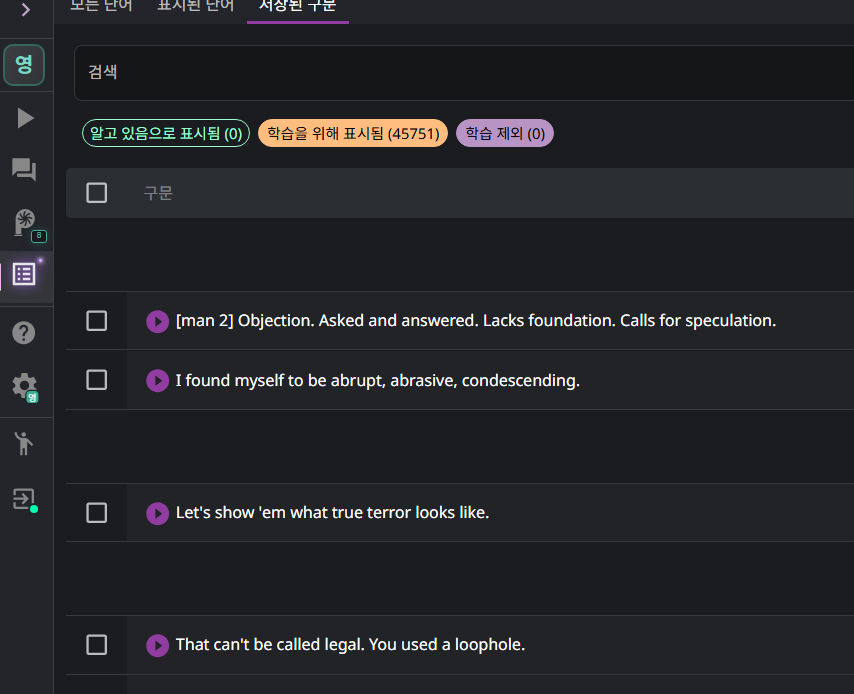
at Language Reactor , There are purple buttons that plays saved sentences when you click them.
But not working.
purple audio buttons in this picture are not working
Hello @Morgan_Lee,
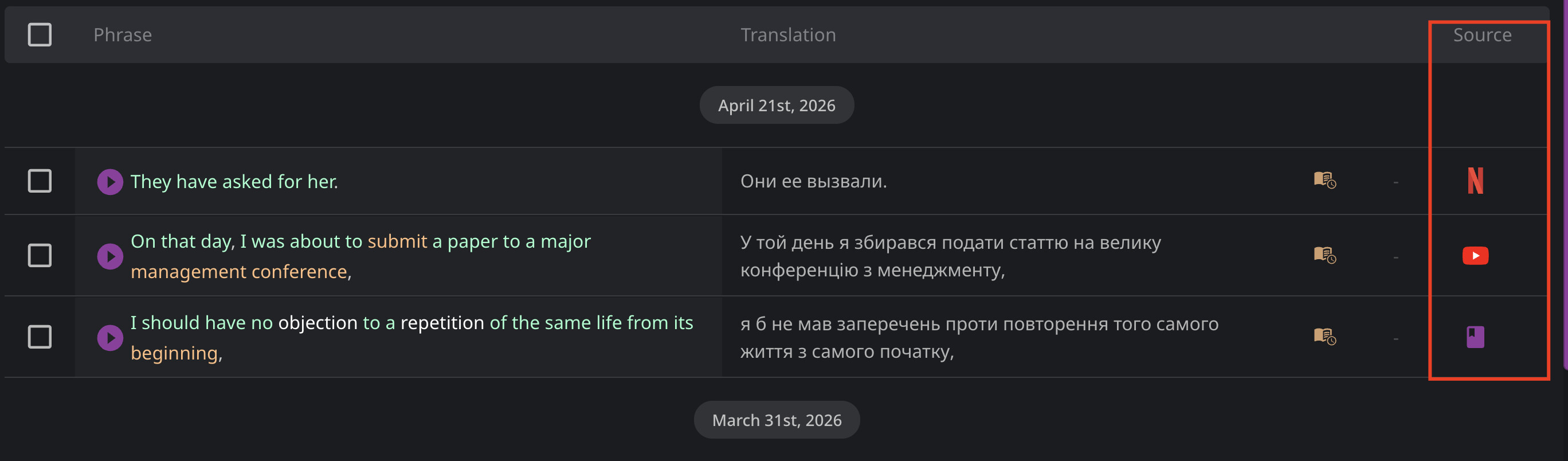
Thank you for letting us know. I can’t reproduce this on my end. Could you please let me know if this is happening for all sentences or for a specific source? Please note the “Source” column in the screenshot below.
@Morgan_Lee does the audio work in other sections? For example, videos in the YouTube tab, subtitles in the Books section, or examples in the dictionary?
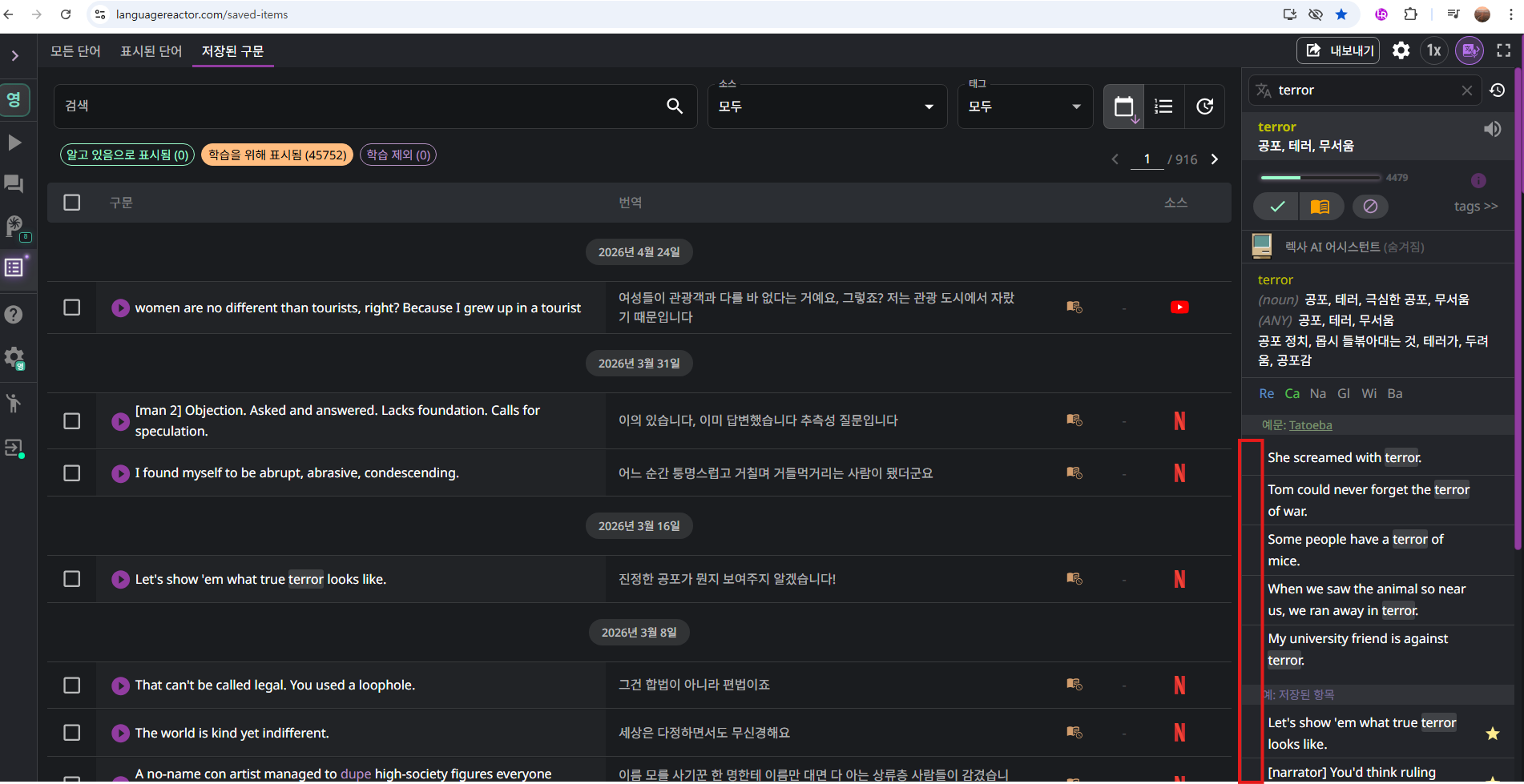
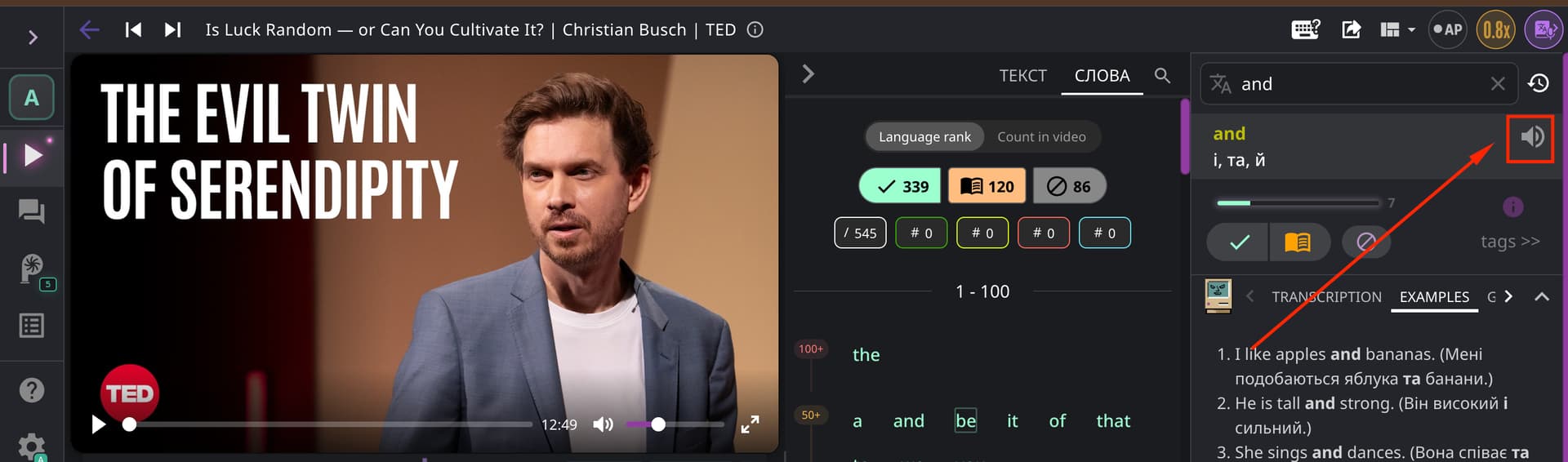
Purple buttons (in the dictionary section) in this red box don;t work. Just play wrong sound like languagereactor.com, This is languagereactor.com or russian like voice etc.
@Morgan_Lee Thank you for your reply!
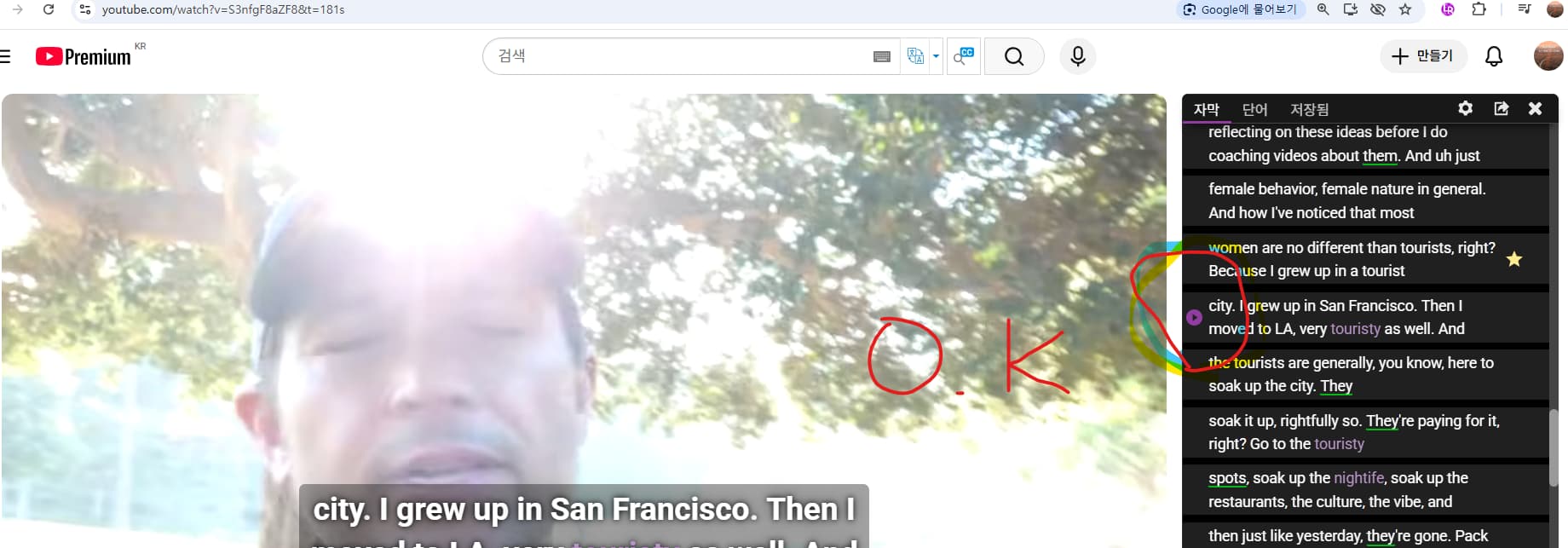
The YouTube extension works so that when you click “Play” next to a sentence, it should take you to a specific point in the video and start playing it.
I haven’t been able to reproduce this issue on my end.
If it’s not too much trouble, please answer the following questions so we can figure out what’s going on:
What version of Google Chrome are you using?
When you click the sound icon in the dictionary, is there sound? (I’ve indicated it in the screenshot below)
 ). When posting this message, please make sure that my bug was not posted already (use the search bar), the forum will gain in clarity ! Thank you !!!