I am experiencing a bug where the “Save Subtitle” button (the star icon) is completely unresponsive while watching Netflix. When I click it, nothing happens—the subtitle is not saved to my list, and there is no visual feedback or error message.
Hello @aa900325521,
Please make sure you are logged into the same account on both the website and the extension (check the settings for both the extension and the website).
If you are logged into the same account but your saved phrases still do not appear in the “Saved Phrases” section on the website, please:
- provide a link to the video where this happens,
- specify the language you are learning,
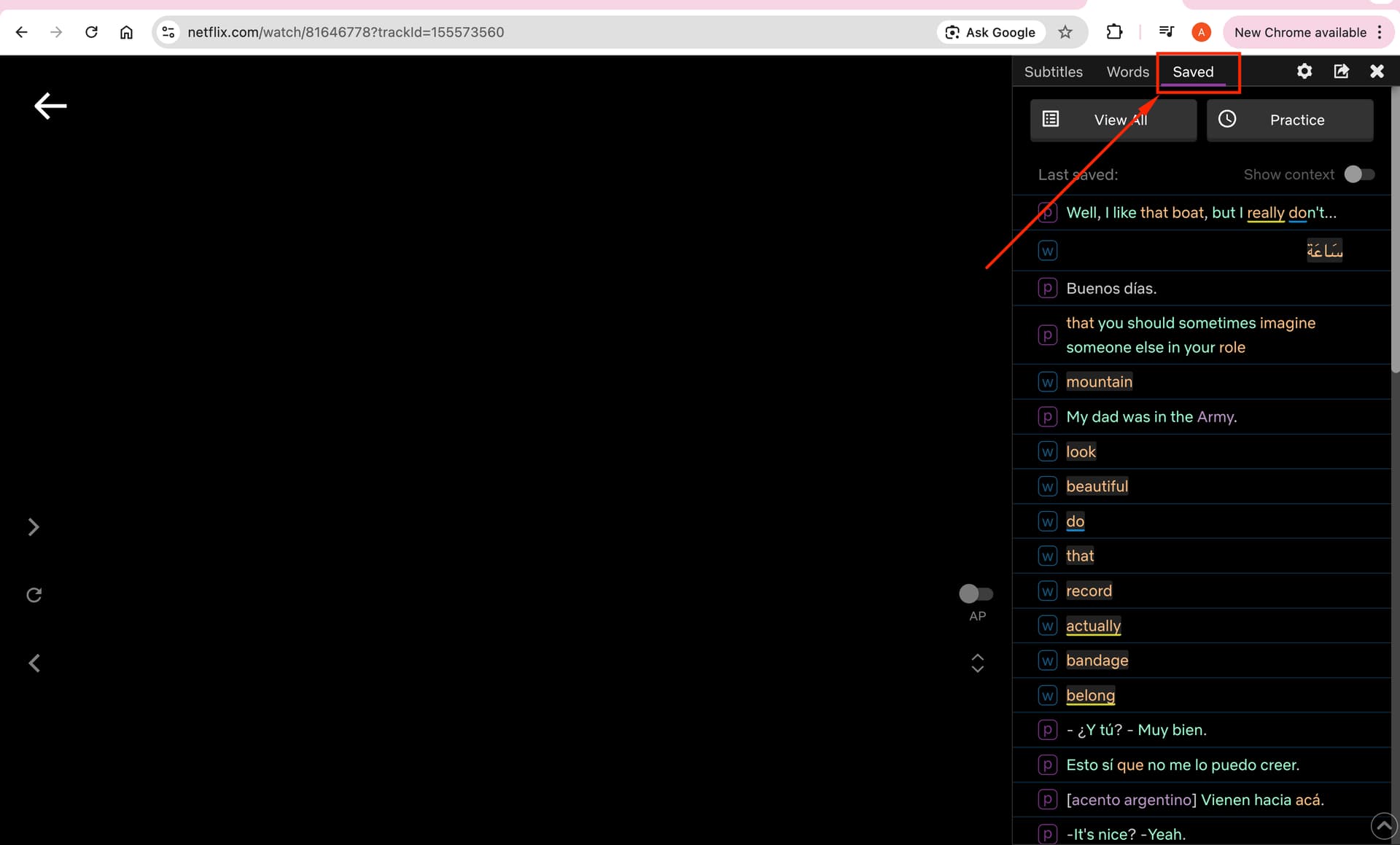
- check whether the saved phrases appear in the side panel under the Saved tab as soon as you save them (or if they disappear after refreshing the page)
It doesn’t work with any youtube video. Clicking the buttons does not make word “known” or “learning”, clicking on a word does not open vocabulary either.
1 Like
Hi @Yana
Thank you for your response.
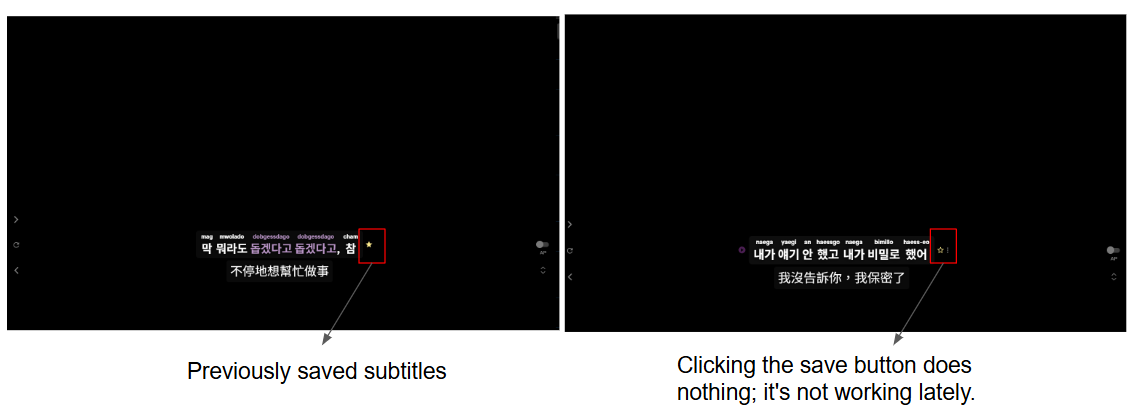
I have double-checked both the website and the extension, and I can confirm that I am logged into the same account on both. To answer your questions, the language I am learning is Korean. Regarding the issue, please see the attached screenshot: previously, clicking the “star” button to save subtitles worked perfectly. However, it has recently become unresponsive, and I am unable to save any new subtitles now.
Also please check if you have any other related extensions and try disabling them, they can sometimes interfere with Language Reactor.
@aa900325521
Thank you for providing more details.
If a phrase marked as saved (i.e., the star is filled with yellow) still doesn’t appear in Saved Phrases, please try disabling all extensions and keeping only the Language Reactor extension enabled. Then try again, as some other extensions may interfere with the Language Reactor extension. Or try saving the phrase in incognito mode with only Language Reactor enabled (if you need help with this, let me know).
Also, check that the “Study language” on the website is set to the same language you’re using to save the phrase. The list of saved words and phrases on the website changes depending on the selected language. In other words, if you’re saving a phrase in Korean, the “Study language” on the website should also be set to Korean.
Thank you for your responses, which are helping us figure out why the phrase isn’t saving on your end 