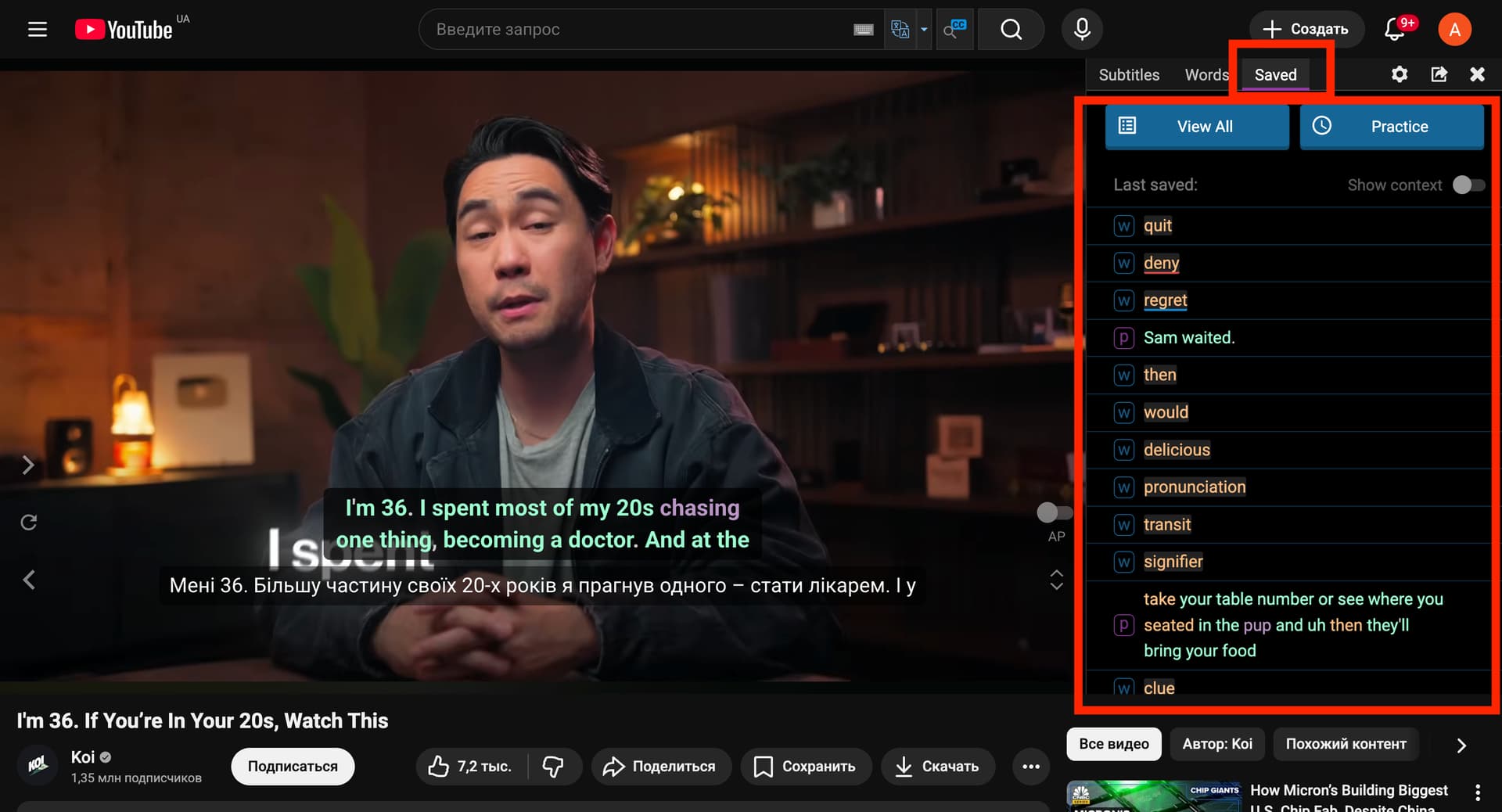
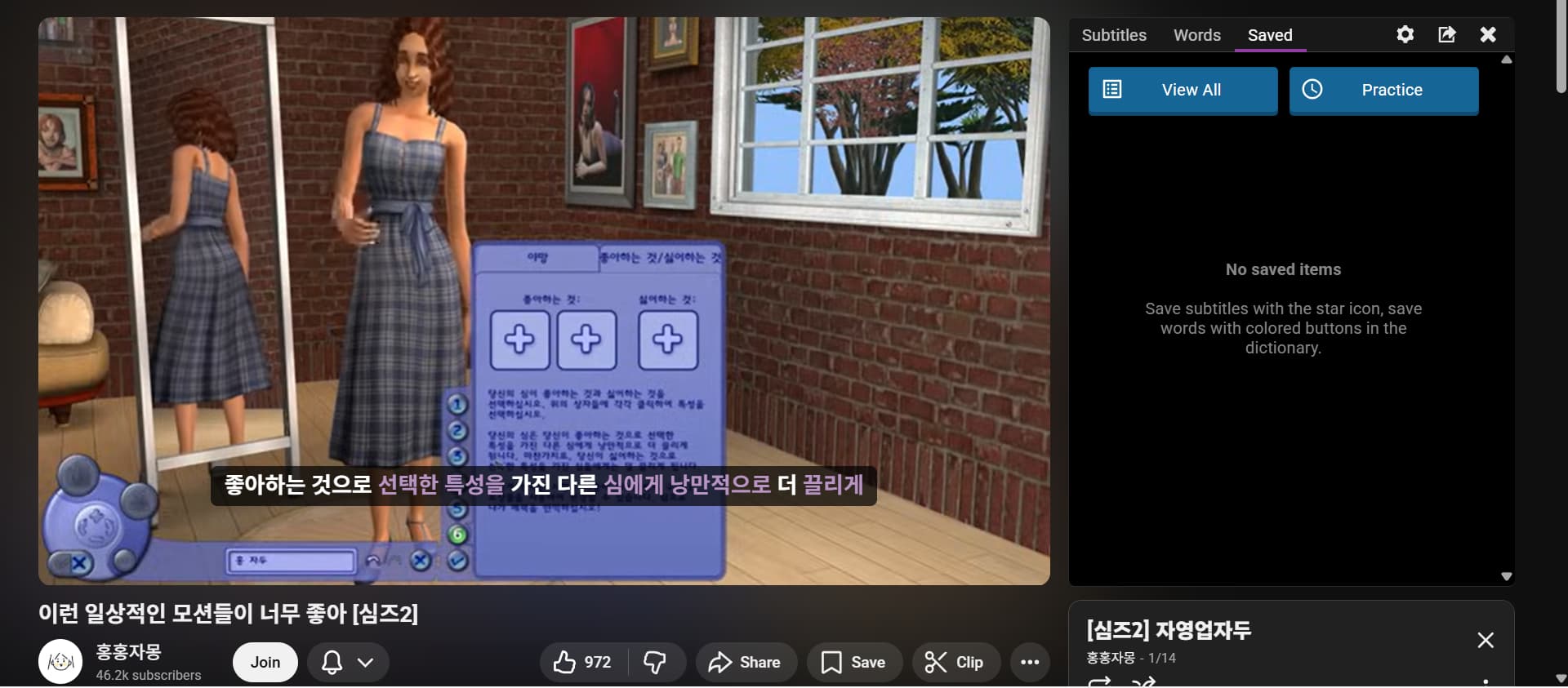
I bought a subscription recently so I could save words to learn and get a more in-depth explanation of things. I have been using it on only youtube so far, via chrome. Yesterday I saved many words, however I come back today to check them and all my saved words are gone. The email of my account isn’t the same account I am logged into youtube on - does that have anything to do with it? If so, how do I change the email of my LR account.
Also the the extension keeps failing to fetch the translations. It’s a little pointless to use if I can’t see the translations.
If I try to move to edge, it won’t sign me in. I just keep going in a loop of “Sign in to LR” - go to LR page - already signed in - refresh edge - “Sign in to LR”
I’d rather used chrome.
Am I doing something wrong or is there an issue with the extension?
Hello @cyan841,
One possible reason for what you’re experiencing is that the Study language selected on the website and in the extension is not the same.
The list of saved words depends on the chosen Study language, so if it differs, the content of the Saved section will also be different. This can make it look like your words have disappeared, while in reality you are just viewing another language’s list.
Also, having different emails for your YouTube account and your Language Reactor account cannot be the cause of this issue.
If you log in on the LR website in a browser, the extension automatically uses the same account. And if you log in through the extension, you are automatically logged into the same account on the website as well.
So the most likely explanation is that the Study language is different between:
the website, and
the extension.
Because of this, the Saved section shows different sets of words.
One more thing to check:
Do you see the words you saved yesterday in the Saved tab inside the extension (in the subtitles window)? I showed this location in the screenshot I sent.
Please check:
That the Study language is the same on the website and in the extension.
Whether your previously saved words appear in the Saved tab inside the extension.
And please also specify which language you are studying.
This is what I see when I go to saved word. Since posting I have saved more words, and none of them are here.
I am set to learn korean and have it translated to english, and it is the same on the website. The video I have been trying to watch has no set translations, and so it is auto captioned.
I also just tried on a video which has human made Korean captions set up, and I saved a word, but even then the word doesn’t show up in saved.
@cyan841
Thank you for your reply. I can’t reproduce this. I opened the same video and it works fine for me.
Ensure that you are logged into the same account on the website and in the extension.
In your screenshot of the subtitles, I do not see a single word highlighted in yellow as marked for learning.
Ensure that the word is highlighted in yellow when you mark it as Learning.
Let me know your result
That is the exact issue I am talking about. I marked hundreds of words to learn. They all went yellow. Then I check saved and none of them are there. I go to my saved on the language reactor page, and none of them are there. I refresh the page and go back to the video, and the words I saved are no longer yellow
I know how to mark them as learning and have been doing so. The extension itself is not keeping that information.