Somehow, my “LR” button on YouTube video player is missing:
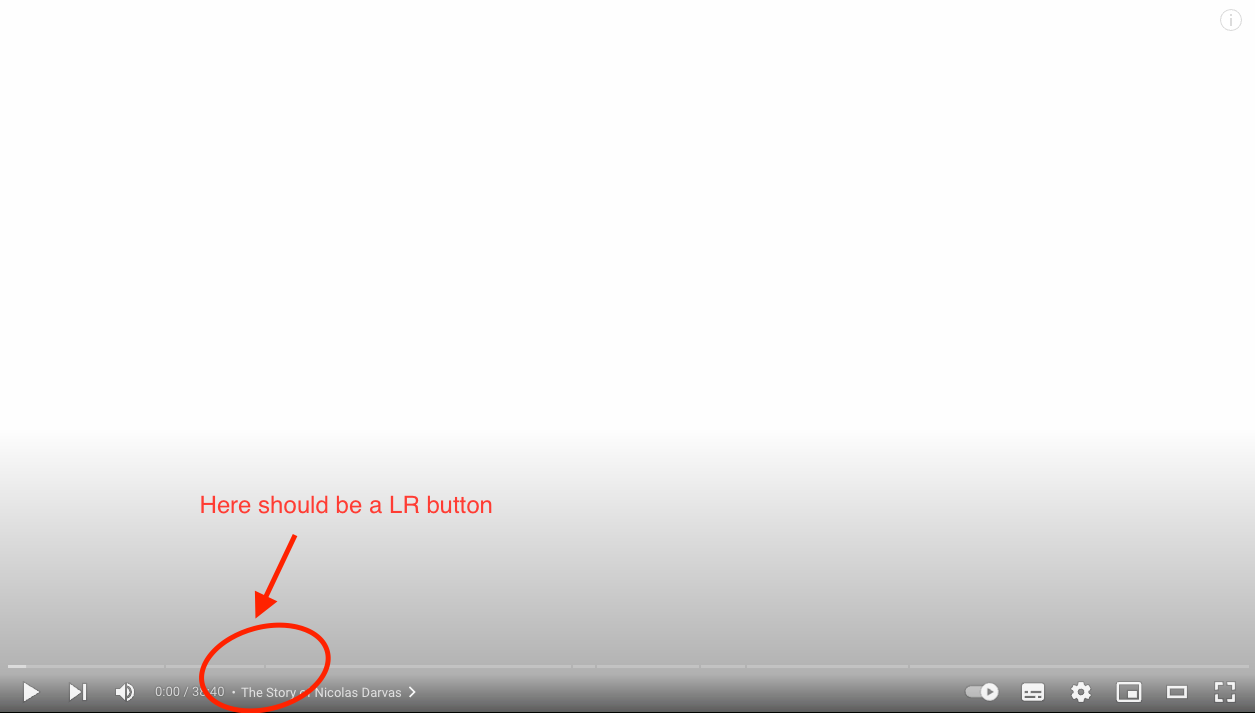
How to get the button back?
(After re-installing the LR, the button still did not show)
Somehow, my “LR” button on YouTube video player is missing:
How to get the button back?
(After re-installing the LR, the button still did not show)
Hey there,
Please make sure you don’t have a domain blocker (e.g. if on a corporate network)
Please make sure all necessary permissions are granted:
Open Chrome menu > More tools > Extensions > Language Reactor > Details
Scroll down to ‘Permissions’ and make sure all switches are on.
Let me know if it didn’t work.
Hofit, LR team
I’ve checked everything listed in the FAQ and your instructions,and I even uninstalled and reinstalled the extension , but the extension button still doesn’t appear on YouTube. (I don’t use Netflix, so I can’t confirm whether it works there.)
Hello @Chunshuang_Mu,
thank you for your message!
If the Language Reactor button does not appear on YouTube even after reinstalling the extension and checking all the items in the FAQ, then most often the reason is not related to the installation itself, but to browser settings or conflicts.
Please check the following points:
If after all these steps the button still does not appear, please let us know: