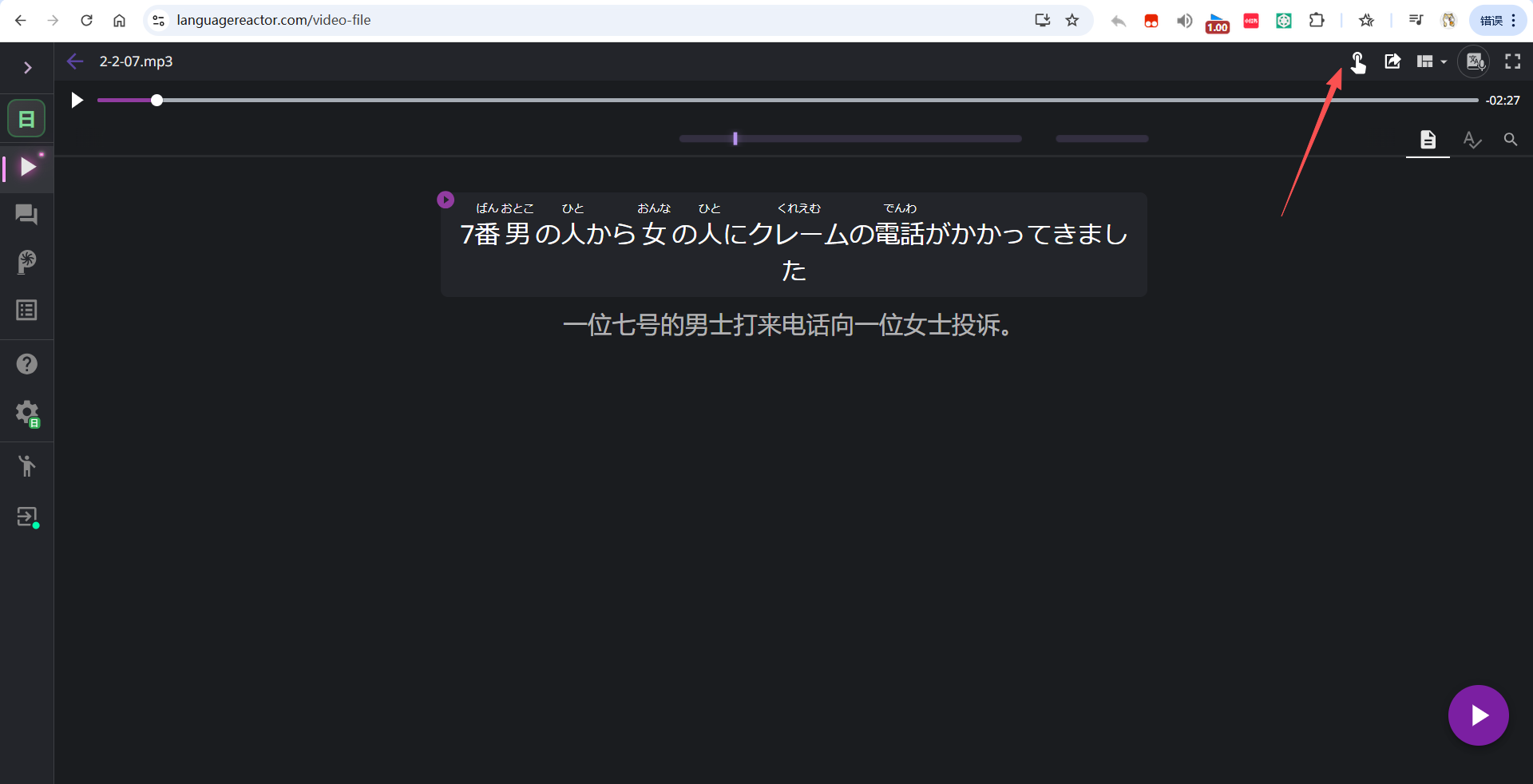
Hi Language Reactor team,
I would like to ask why the keyboard controls seem to have disappeared from the Intensive Listening interface.
Until recently, I was able to navigate through sentences efficiently using the keyboard, which made intensive listening practice much smoother. However, the keyboard-based controls no longer appear to be available, and now I have to rely on mouse gestures and clicking on-screen controls.
On a desktop PC, this significantly reduces usability and learning efficiency. Intensive listening often involves repeatedly moving between sentences, replaying segments, and comparing nearby lines. Using the keyboard is much faster and more comfortable than constantly reaching for the mouse.
For users who spend hours doing focused listening practice, keyboard shortcuts are not just a convenience—they are an essential part of the workflow.
Could you please clarify:
- Was this feature intentionally removed?
- Is there a way to re-enable keyboard navigation?
- If it was removed, would you consider bringing it back as an optional setting?
I really appreciate Language Reactor and use it regularly for language learning. Restoring keyboard controls would greatly improve the desktop experience for intensive listening users.
Thank you!