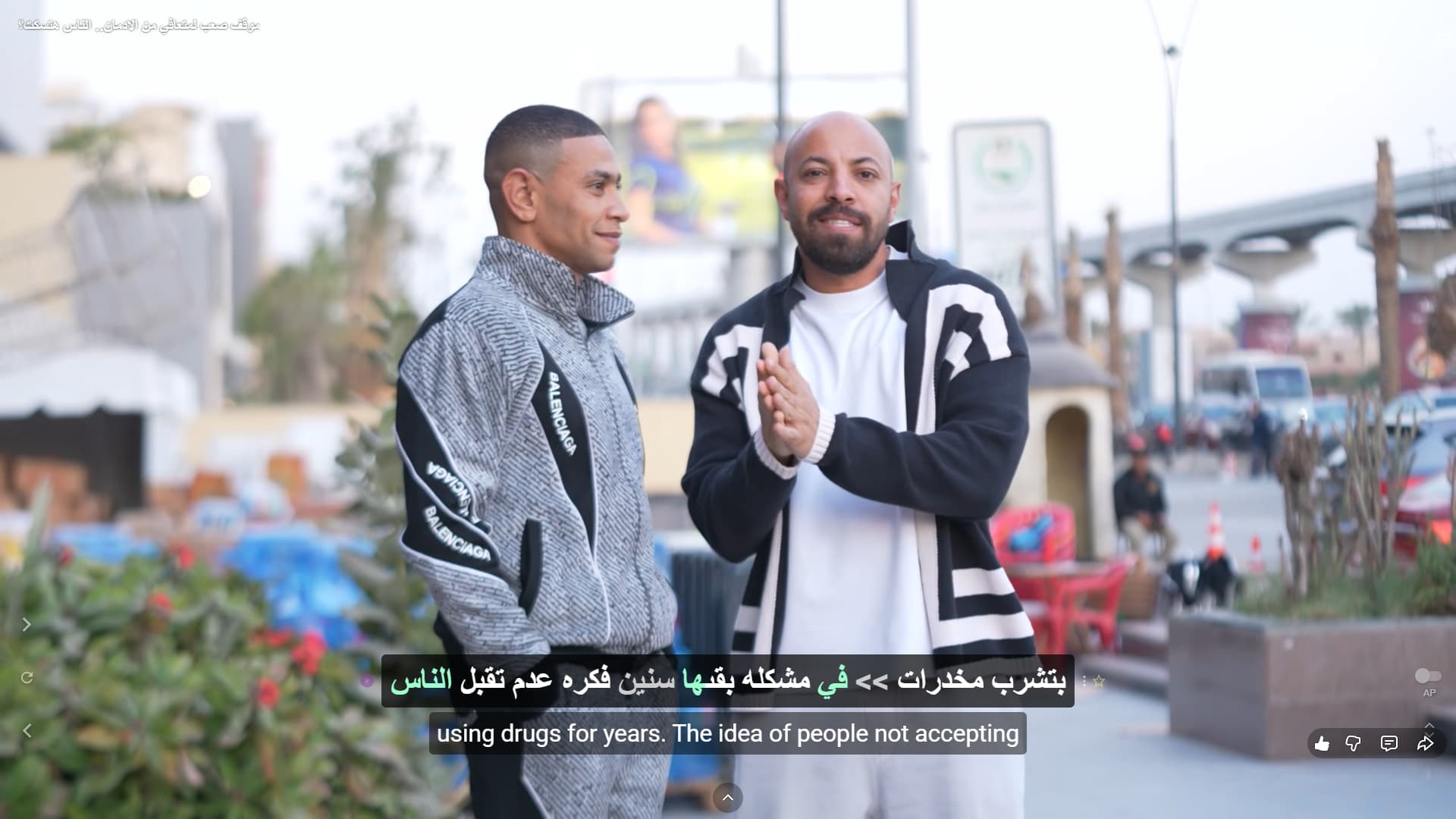
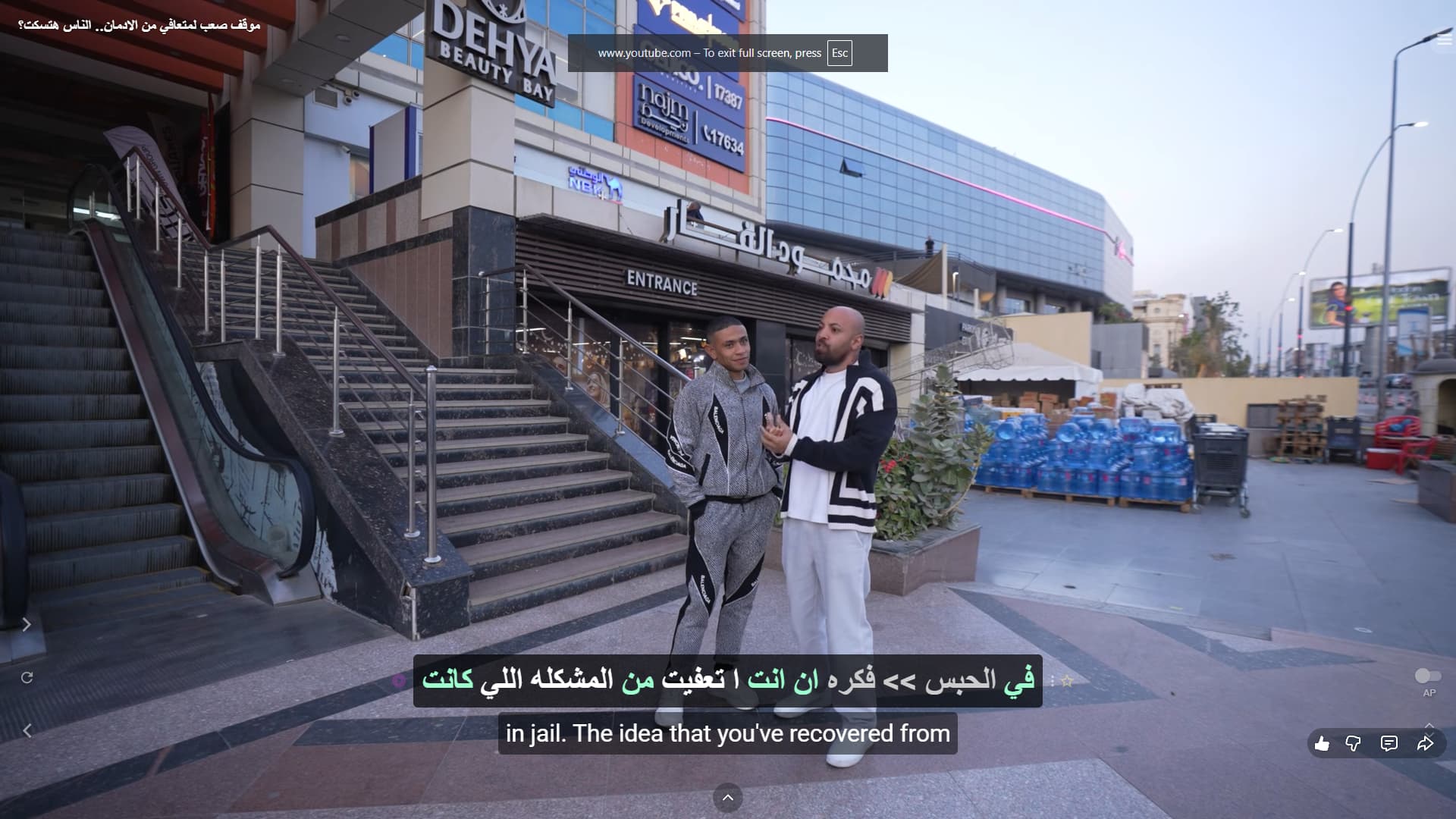
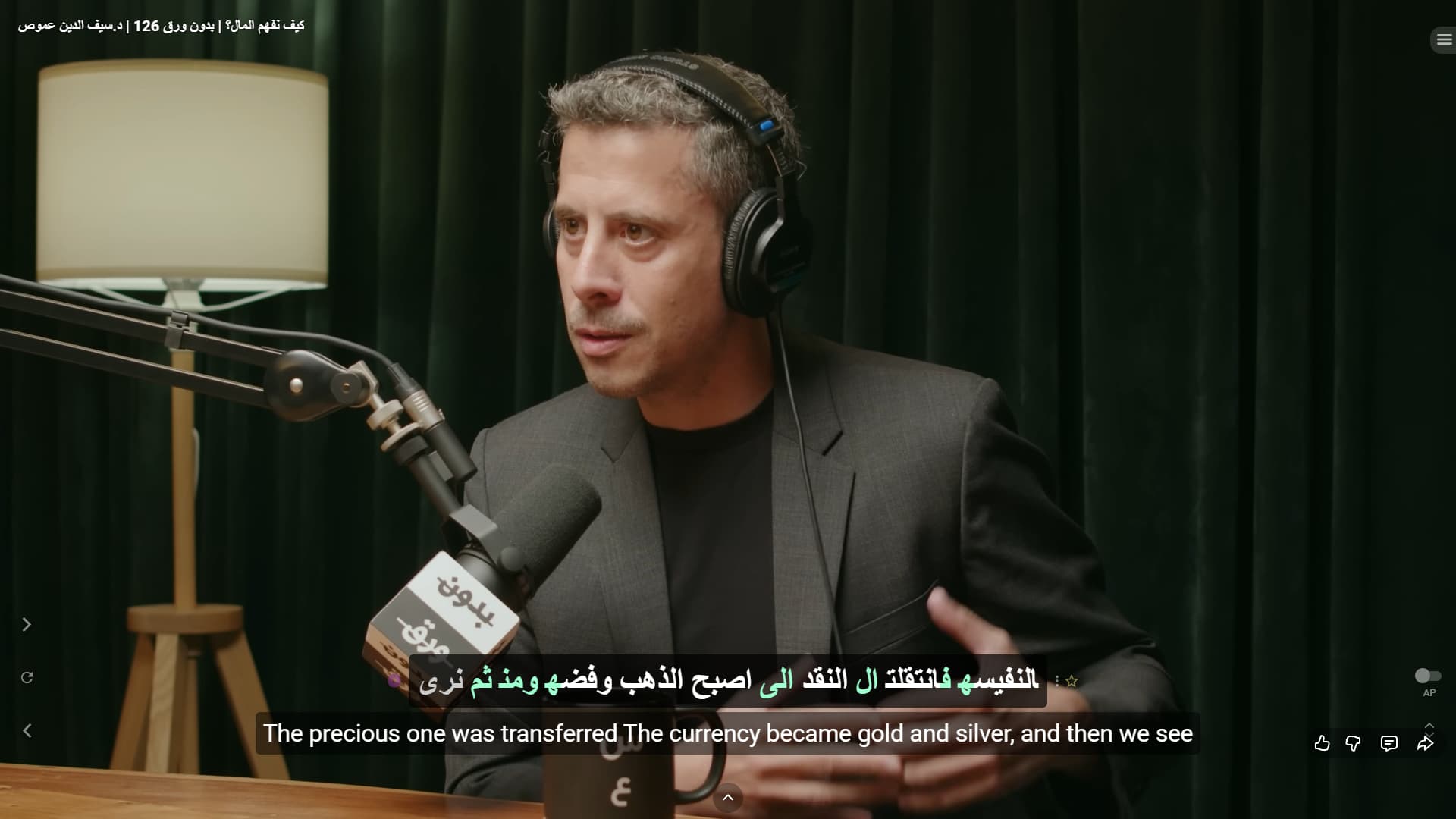
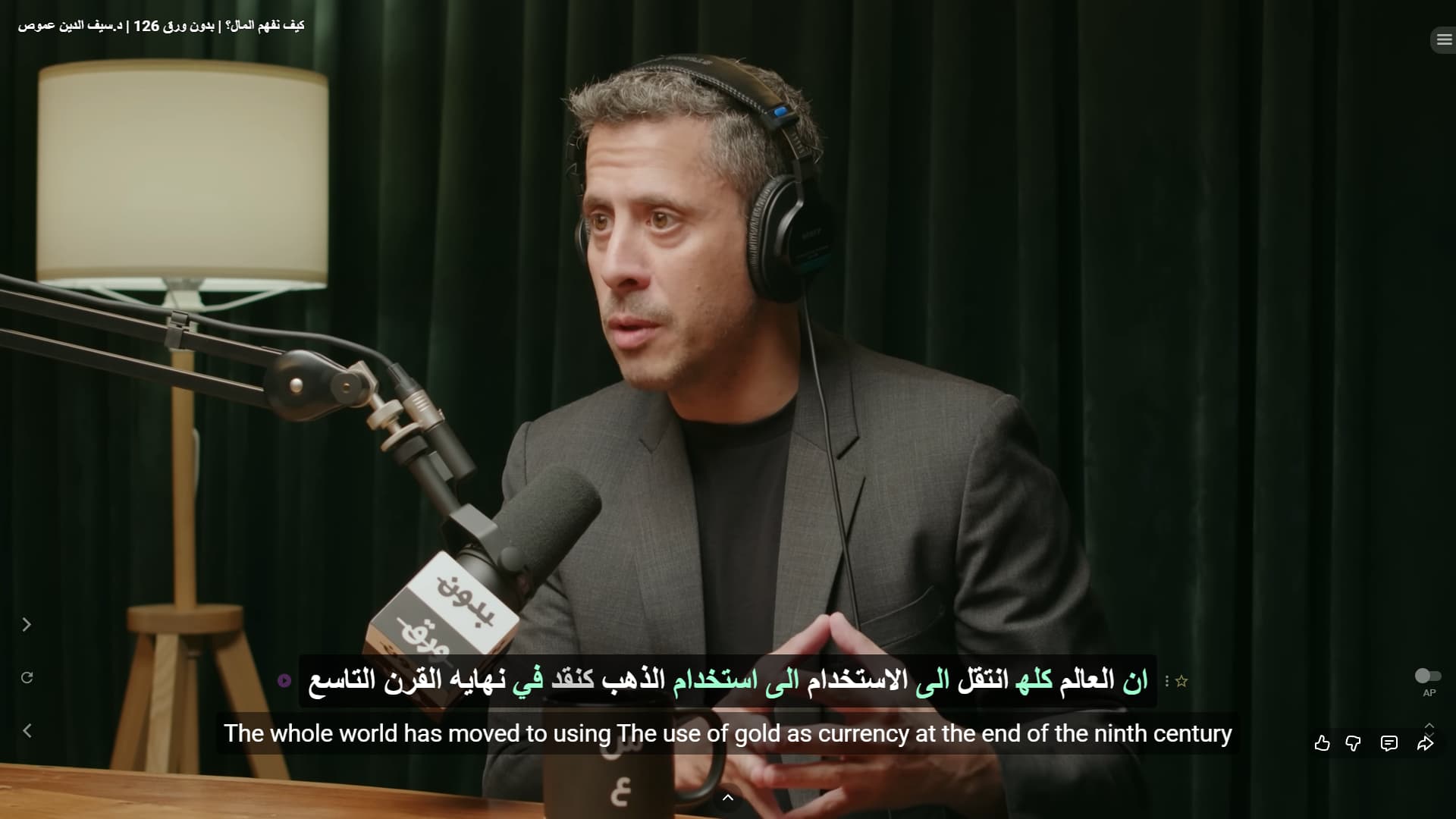
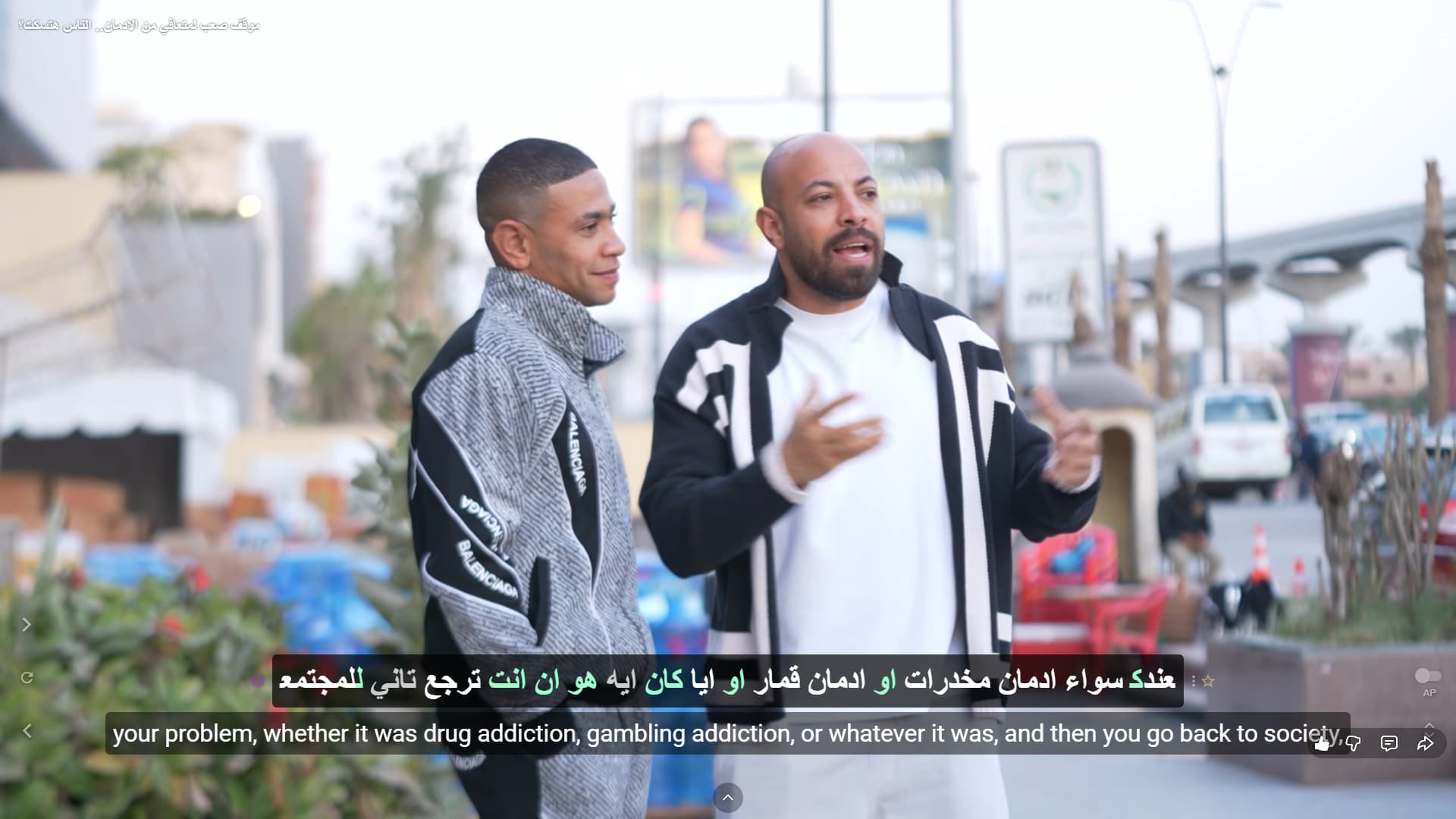
I am a Premium subscriber and I am experiencing an issue with Arabic subtitles.
When watching content and using Arabic subtitles, most words can be hovered normally to see translations and additional details. However, in many sentences, some words appear faded or greyed out in the middle of the subtitle line. These words cannot be hovered, so I cannot access their translation or any information.
Hello @Zion_Lopes,
Thank you very much for your detailed report and for providing the screenshot.
We are working on improving Arabic subtitle handling in future updates.
Thank you again for reporting this!
Hello, everyone, good news - the issue should be resolved! The problem arose because our language processing system mistakenly recognized certain real words (in Vietnamese, Arabic, and Korean) as punctuation marks, causing them to appear grayed out and inactive even after manual tagging.
Please note: if you’re viewing a video or text that you’ve already viewed before, some words may remain grayed out for a while, since results for previously viewed content are cached and will take some time to update. In this case, try clearing your browser data. The fix should take effect immediately for new or previously unviewed content.
If you still see valid words in new or recent content appearing grayed out and unclickable, please report it to us here, and we’ll look into the issue again.
Thank you for reporting this issue and for your patience!