Pressing the down arrow will repeat the subtitle but it also decreases the volume of the audio. This was fixed a couple of days ago, but after fixing the subtitles not loading issue the down arrow stopped working as a repeat only option.
In short, the down arrow repeats but it also lowers the volume. If I keep hitting the down arrow the volume will go to ZERO.
Hello @Kimberly_Norton, thank you for your request!
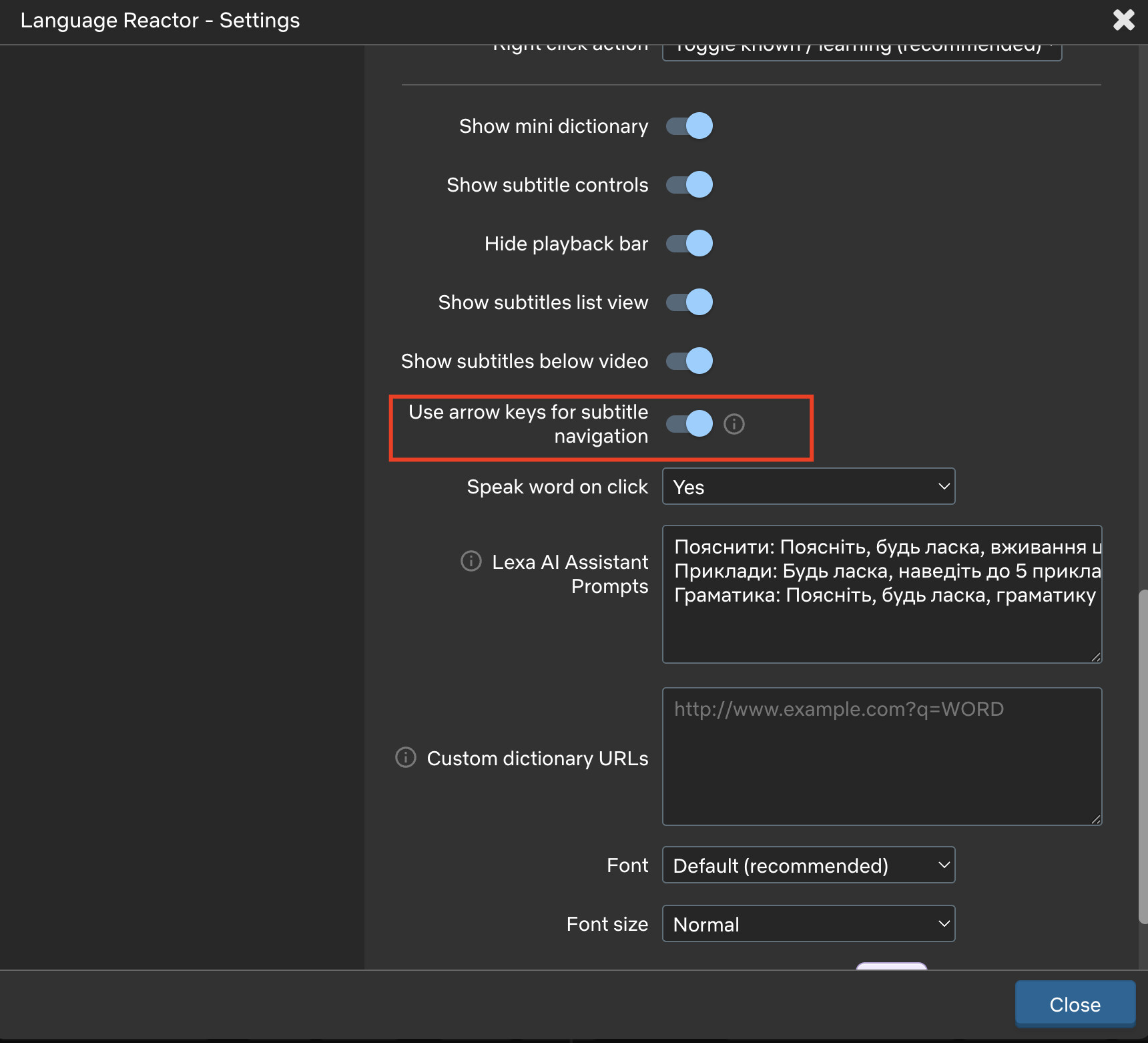
To use the arrow keys to navigate subtitles, you need to enable the “Use arrow keys for subtitle navigation” option in the settings - after that, the arrow keys will function as the A, S, and D keys. If this feature is disabled, the arrow keys will function as they do by default on Netflix, meaning they’ll adjust the volume and skip the video forward or backward by ±10 seconds.
The down arrow is lowering the volume again. Yesterday it was working fine but today it started back to not working. I have the “Use arrow keys for subtitle navigation” set to ON. The left/right arrow keys function correctly. The up arrow key will increase the volume but it also moves me to the next subtitle.
Show title: Secrets of the Neanderthal.
Show platform: Netflix.
Location: USA.
Computer: Mac Monterey.
Browser: Google Chrome.
@Kimberly_Norton thank you for sharing these details. Actually, I can’t reproduce this issue when the “Use arrow keys for subtitle navigation” feature is enabled. Try clearing your browser cache; there might be a conflict between Netflix and your Language Reactor settings.
We’ll look into what might be on our end. Thank you for your request!