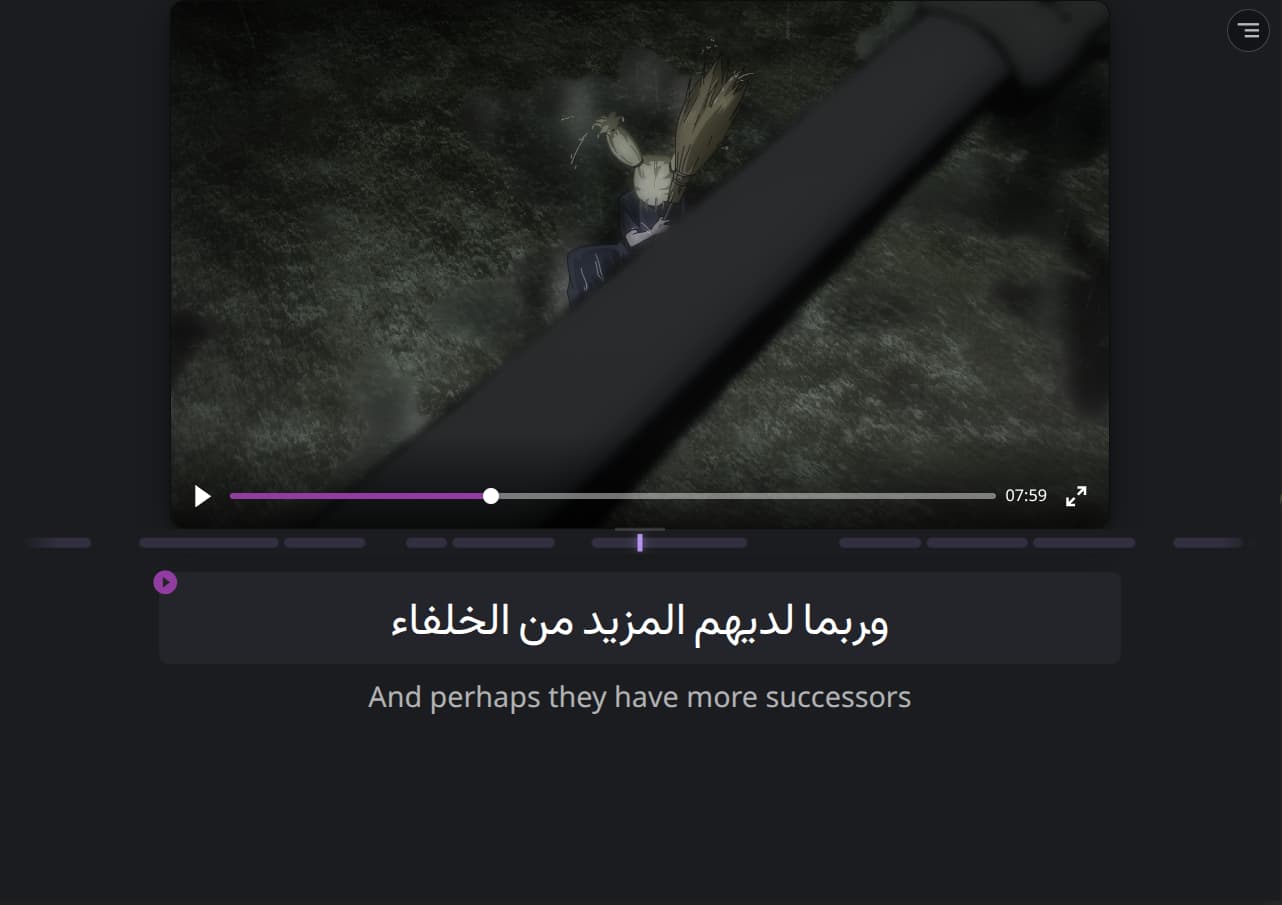
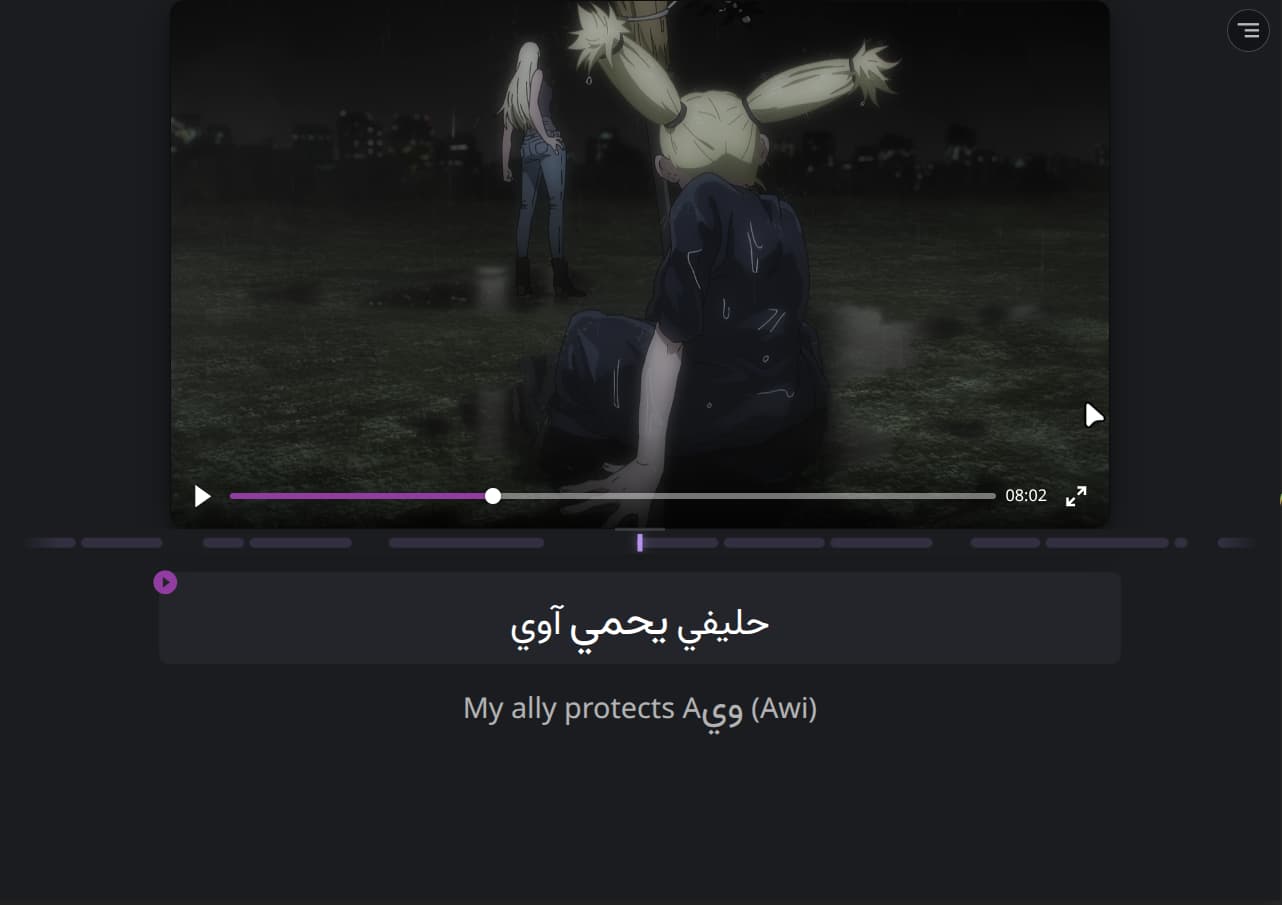
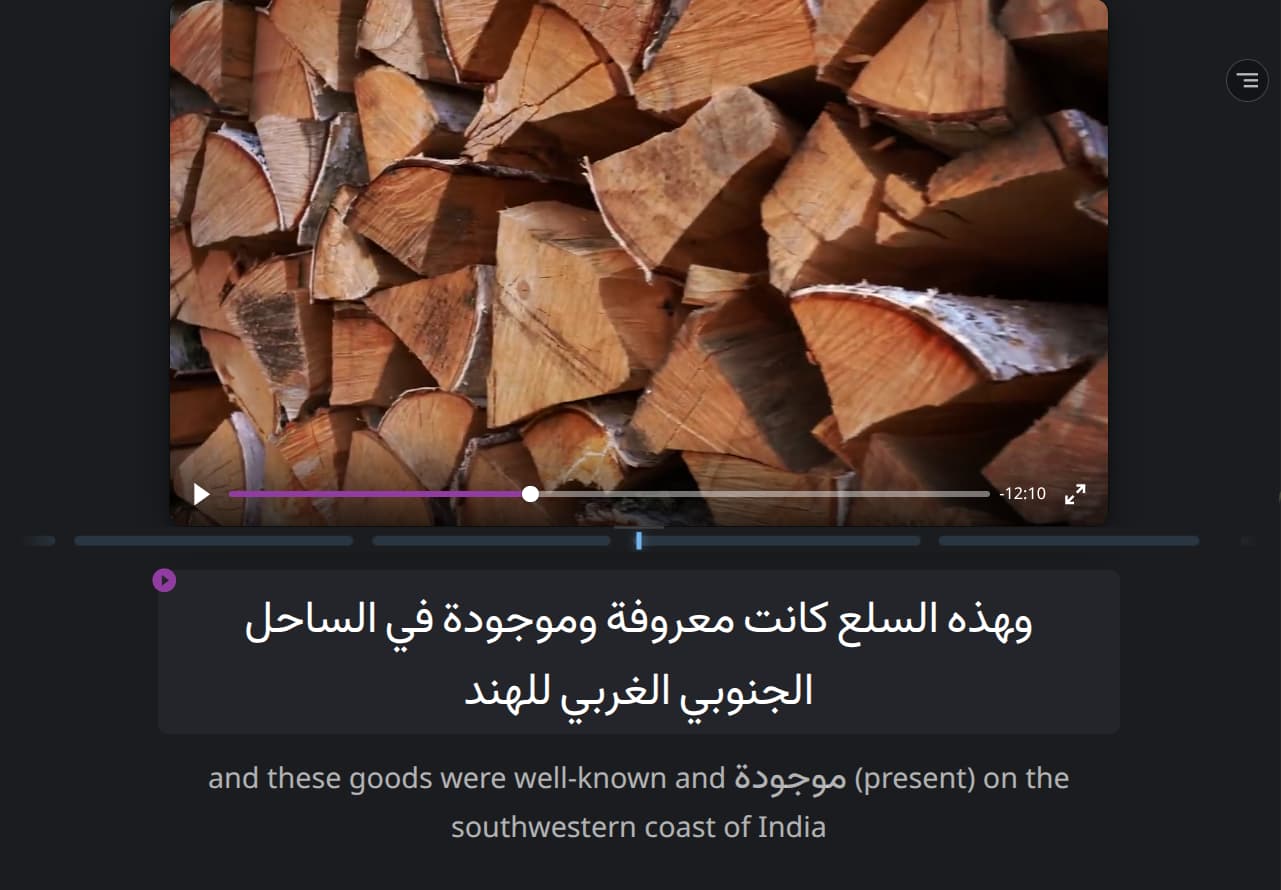
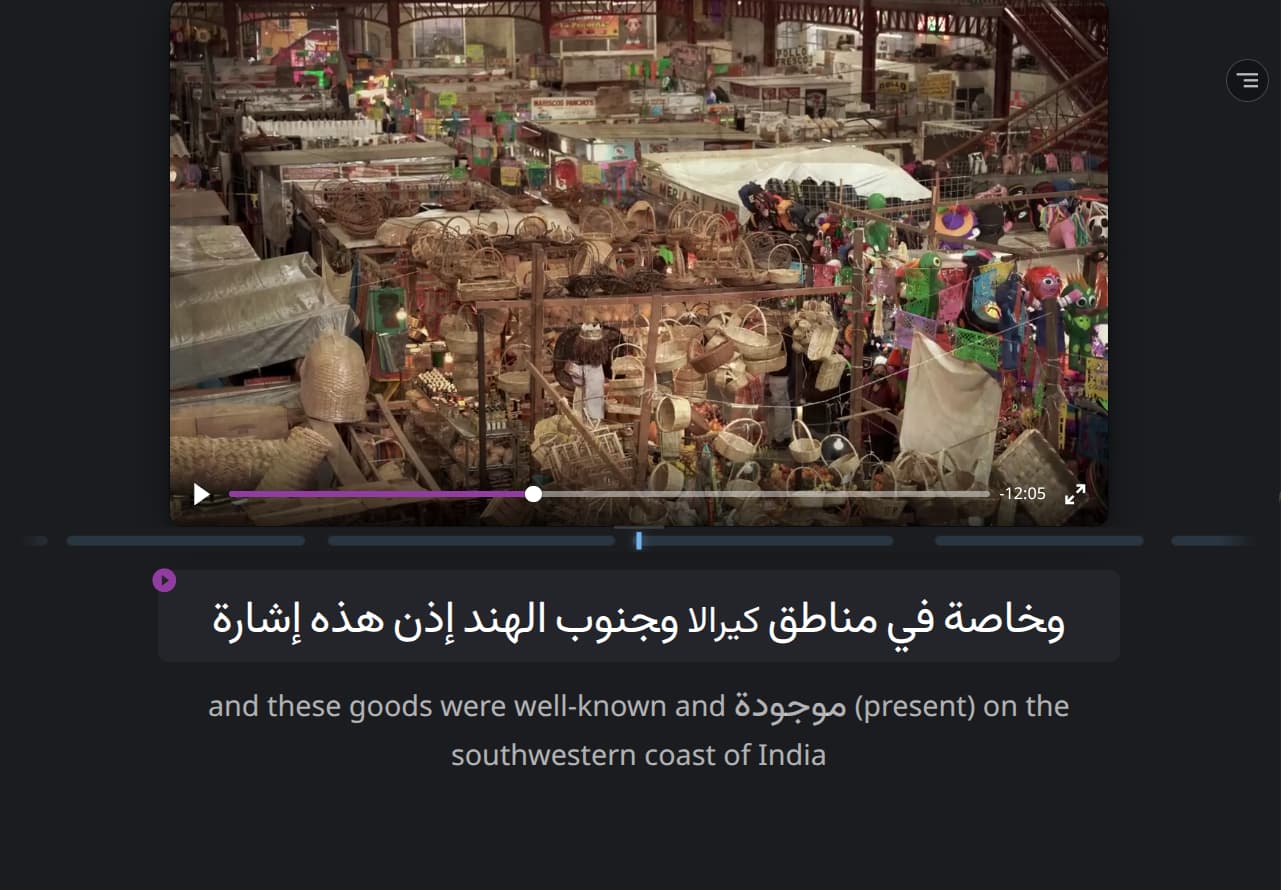
Just a few minutes ago I found an arabic word in the translated which were supposed to be in english ONLY.
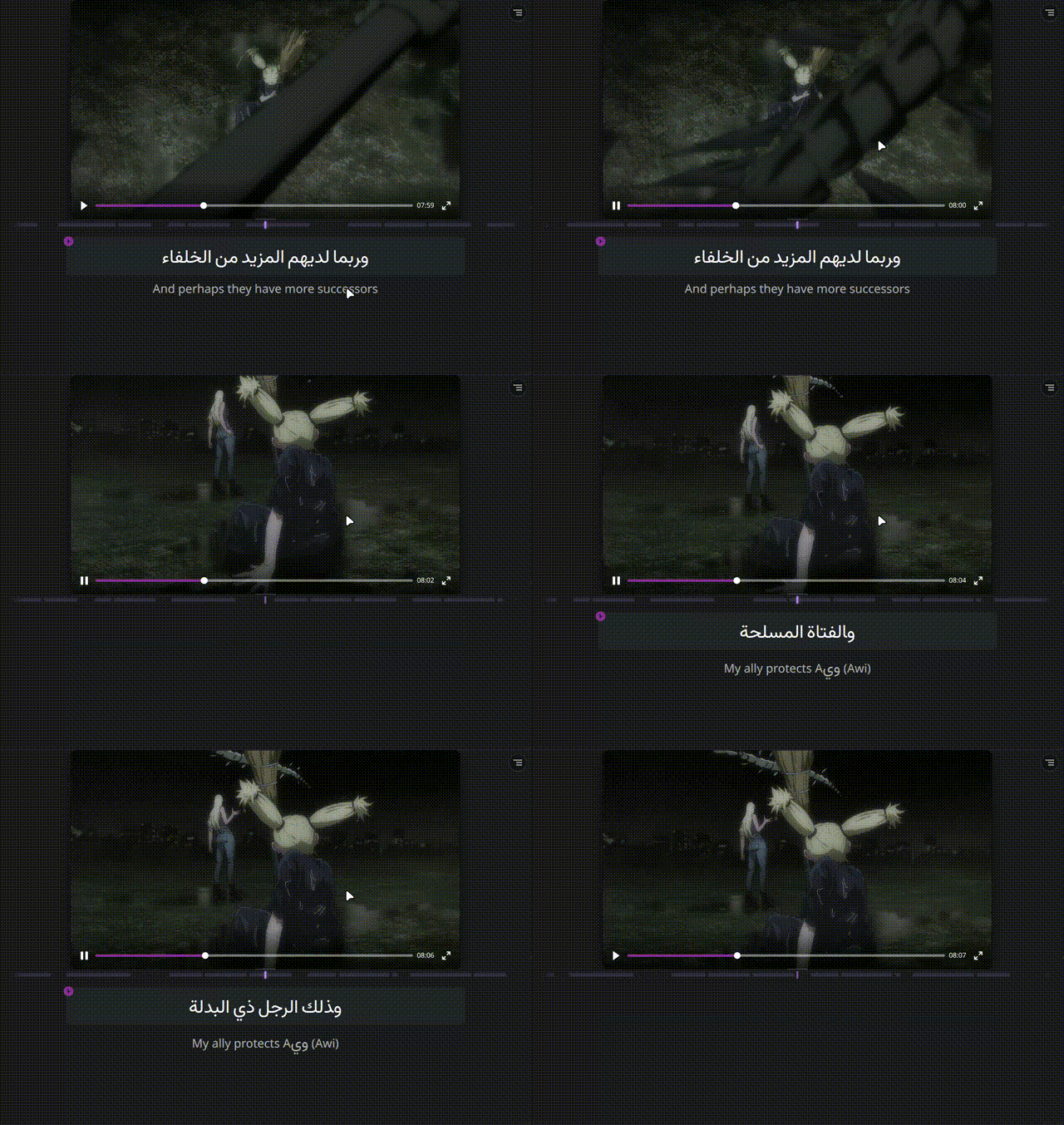
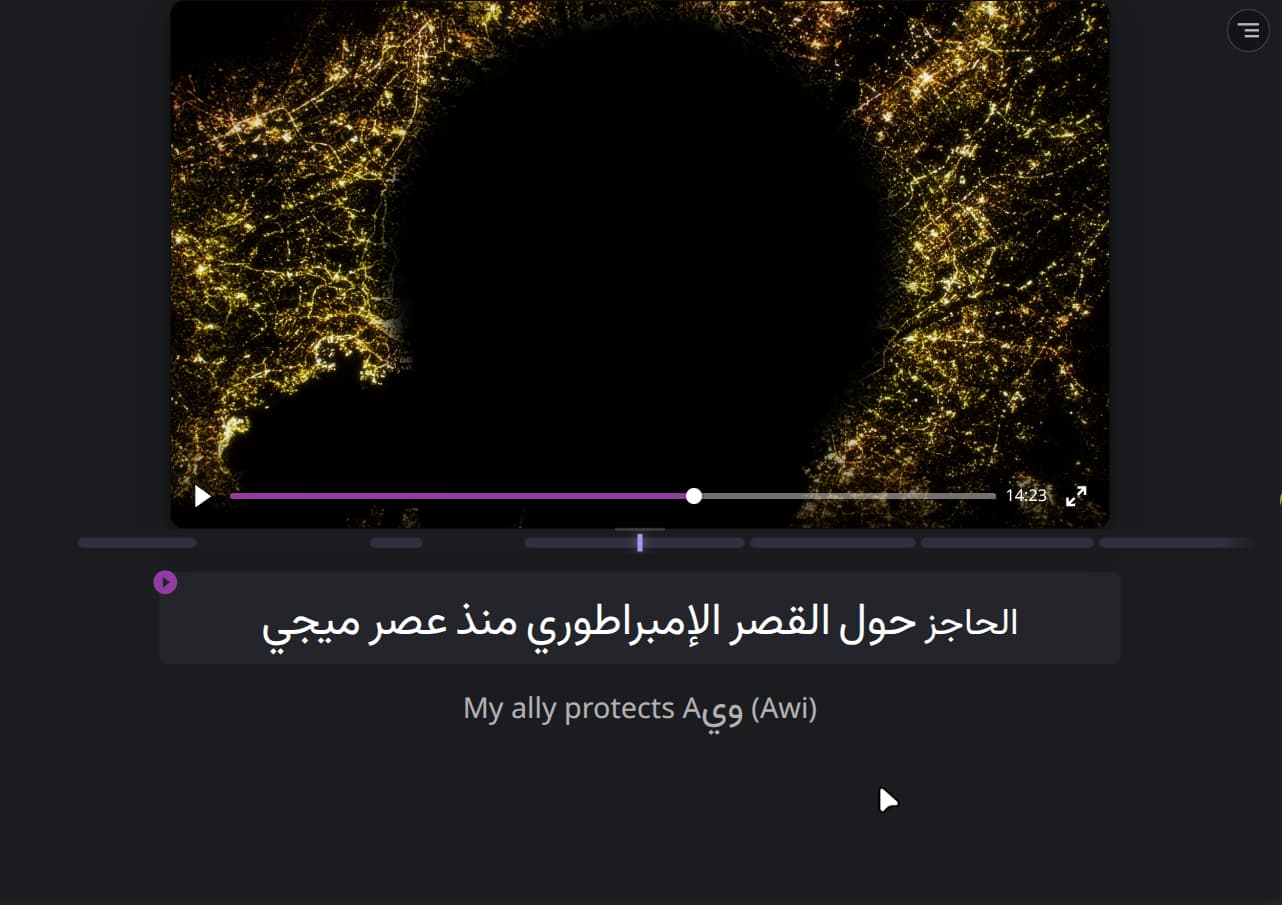
It doesn’t end here, the translated subtitle got stuck and moving to other parts of the videos including in other subtitle segments doesn’t make it go away.
Skip to a timestamp after the bugged subtitled has appeared.
This will fix the issue of the translation subtitle getting stuck. However going back to that particular subtitle will make the translation stuck again
Hello @Kronks, thank you for reporting this.
Could you please let us know whether the issue always occurs at the same subtitle, or if it happens randomly?
Also, which type of subtitles are you using: Generate from audio (ASR) or your own uploaded subtitle file?
It happened again. This time I was using my own subtitles and not ASR.
LR’s translation had an arabic word in a particular subtitle. After that subtitle segment was over and moved on to the next subtitle, the translation was stuck there just like before.
@Kronks, thank you for details!
It’s likely that, for this specific timecode, the request for an English translation didn’t work, so the app ‘substituted’ the original text (Arabic) as a fallback.
If you’ve already used your uploaded subtitles, the system may have saved the previous section of subtitles, which is why you’re getting the same error. Try clearing your cache or trying again in a different browser or account. Temporary subtitle files are often saved with errors, and clearing the cache usually helps.
If you can, please send me the file you’re watching to yana.baklan7@gmail.com so that we can reproduce the problem. This would be a great help to us!
@Kronks, we appreciate your patience, system for Arabic is still not fully perfect, and we’re actively working to improve it. Your feedback with the specific timestamp is very helpful, and we’ll make sure to pass it to our team.