[TEMPLATE - PLEASE REMOVE THIS PART BEFORE POSTING THE MESSAGE]
- Link: Watch Just a Bit Espers | Netflix
- Location: Malaysia
Hi team, Kindly check this issue please.
Till yesterday, there was no any issue but today LR on Netflix got stuck on “Loading subtitles…” Issue.
I have tried troubleshooting below but nothing worked.
- I restarted my computer.
- I closed and reopened Netflix.
- I refreshed the Netflix playback page multiple times.
- I confirmed that Netflix native subtitles are working normally.
- I disabled other Chrome extensions to check for extension conflicts.(I don’t use VPN)
- I cleared Netflix site data/cache/cookies from Chrome.
- I signed back in to Netflix after clearing the site data.
- I checked Netflix’s “Participate in testing” setting.
Even after all of the above steps, Language Reactor still stays stuck on “Loading subtitles…”.
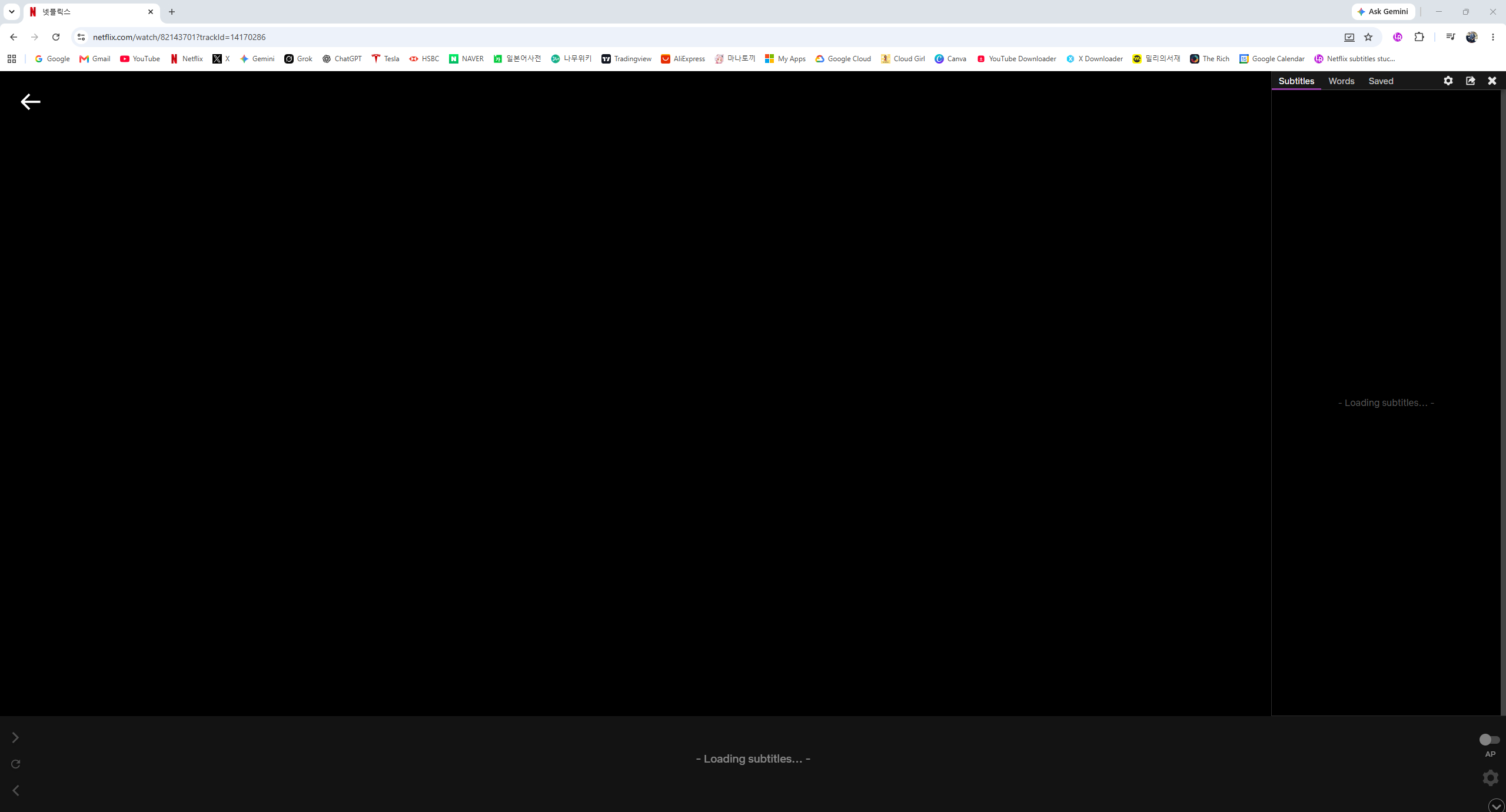
And I can see tons of people are facing the same issue, kindly check with this issue please.
Thank you.