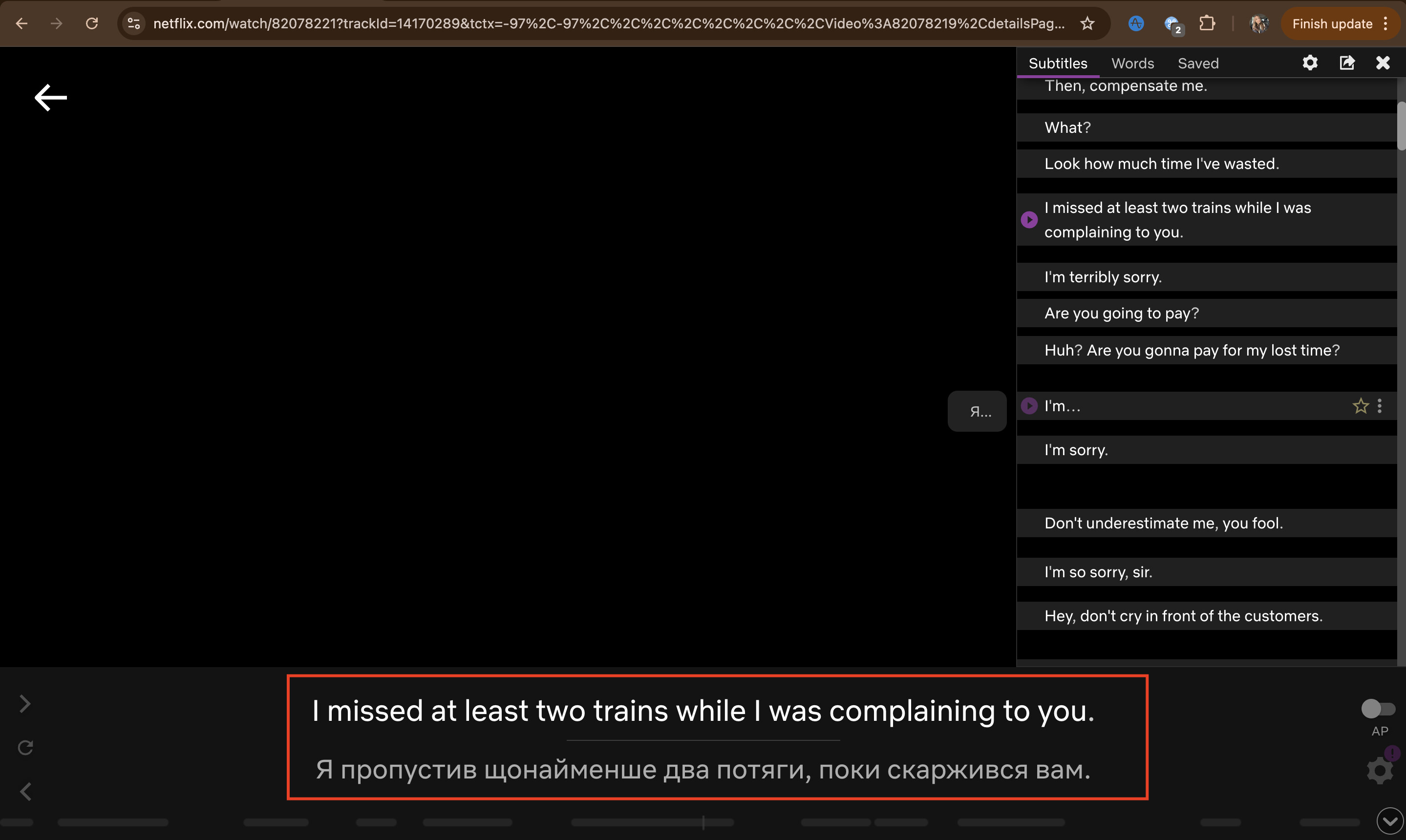
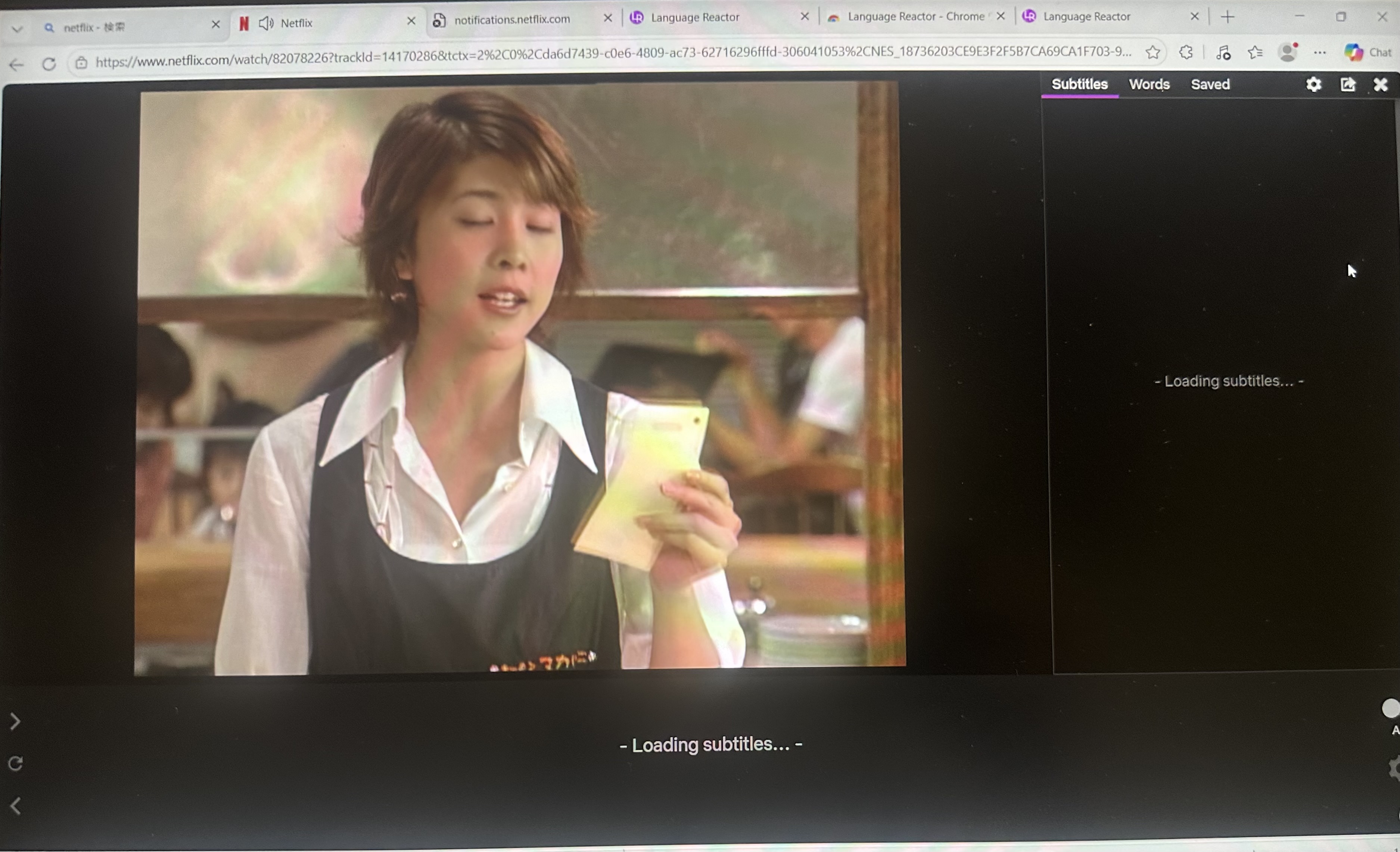
Please let us know from which country you are having the bug
United States (Texas)
If relevant, please let us know what are the configuration of languages you try to have
Translation language: Turkish
Show machine translation: Enabled
Problem description:
Language Reactor gets stuck on “Loading…” for:
Original language
Netflix audio language
Netflix subtitle language
Because of this, subtitles and translations do not work correctly. The issue happens on both Netflix and YouTube. I already tried refreshing the page and restarting the browser, but the problem continues.
Hello @Agah_Balaban, thank you for your message.
I tried to find the issue on our end, but I don’t see the subtitles getting stuck.
One possible cause could be the cache. Try clearing your browser data and then try watching on YouTube or Netflix again. Let me know how it goes!
If the subtitles still get stuck, please send me the exact links to the videos on YouTube and Netflix. This will help us figure out what the problem is. Thanks!
I’m having the same problem. It was ok until last week. But now while usimg netflix the Language reactor says Loading subtitles… please wait. But never opens the subs. I’ve tried it with 3 different laptops and many different shows and nothing worked. All 3 laptops can’t have a cache problem right? I’m in Japan and None of the shows work with LR right now.
Hello @Ozan_Orhon, thanks for your message.
Can you still reproduce the issue? It may have already been fixed, as the subtitles and translation are loading correctly on my end. Please let me know your response.
Well I’m glad that subtitles and translation are loading correctly on your end, but on my end nothing has changed. Your ss is from eepisode 1, and I tried every 10 episode, also with other dramas and also with different computers too, but your program doesn’t work anymore.
I also searched this platform in addition to many others and saw that other people also had or still has this issue for 2-3 years and all the replies from you admins are same. You always say things are ok on your end, but m the same problem having been experienced by many other people in a 3-4 year span shows you’re not able to address the issue, let alone solving it.
It is now the 8th day of the problem and the worst part is that it seems like this could continue forever. This really makes me question my membership.
@Ozan_Orhon thank you for your reply!
We’ll definitely check what might be on our end that could be preventing the subtitles from working properly, but please help us by providing more details about the situation and following these steps:
What browser and browser version are you using?
Are you using a VPN?
Does an error appear in the upper-right corner?
If you’re using any extensions, try disabling them and checking if the issue persists; sometimes extensions can interfere with the subtitles.
And if it’s not too much trouble, can you please send your full console logs: right-click anywhere and select Inspect (or press F12), navigate to the Console tab at the top of the panel that appears, right-click anywhere inside that log area to select Save as… to create a text file (or simply highlight everything, copy, and paste it).
And a screenshot of the console while the subtitles are loading?
As I said previously I tried it on all browsers final cersions available that accepts chrome extensions. Chrome, Opera, Edge none of them workd. It’s the same screen: the drama continues while both the side and below screen says loading subtitles…
No vpn
No other extensions as I said I have just downloaded the 3 browsers to be able to use Language reactor as I normally started using firefox.
The log is below:
otSDKStub.js:1 Refused to get unsafe header “X-OneTrust-IsBot”
r.onload @ otSDKStub.js:1
pageScript_lln.min.js:8958 Uncaught (in promise) TypeError: Cannot read properties of undefined (reading ‘b’)
at Module.B (pageScript_lln.min.js:8958:171681)
at Object.redrawUI (pageScript_lln.min.js:8958:172956)
at t.a.loadDefaultLexaPrompts_translated (pageScript_lln.min.js:9024:39657)
at Object.fireImmediately (pageScript_lln.min.js:9024:35040)
at We (pageScript_lln.min.js:8987:80243)
at Reaction (pageScript_lln.min.js:8987:79755)
at b (pageScript_lln.min.js:8987:95246)
at e.onInvalidate_ (pageScript_lln.min.js:8987:95034)
at t.runReaction_ (pageScript_lln.min.js:8987:91274)
at Tt (pageScript_lln.min.js:8987:93499)
pageScript_lln.min.js:8958 [LR:MSG] LR_PS_auth_change received: Object
pageScript_lln.min.js:8958 [LR:MSG] Auth guard BLOCKED - state unchanged
pageScript_lln.min.js:13455 Hello, from Language Reactor Extension.
pageScript_lln.min.js:13455 ¡¡¡TURLE POWER!!!
Tracking Prevention blocked access to storage for .
Tracking Prevention blocked access to storage for .
Tracking Prevention blocked access to storage for .
Tracking Prevention blocked access to storage for .
Tracking Prevention blocked access to storage for .
Tracking Prevention blocked access to storage for .
Tracking Prevention blocked access to storage for .
Tracking Prevention blocked access to storage for . notifications.netflix.com/push?nocache=1779898416366:1 Failed to load resource: net::ERR_NAME_NOT_RESOLVED
pageScript_lln.min.js:8958 [LR:MSG] LR_PS_auth_change received: Object
pageScript_lln.min.js:8958 [LR:MSG] Auth guard BLOCKED - state unchanged
@Ozan_Orhon One possible reason for this is that Netflix may have updated the player for some users (as part of A/B testing), and subtitles are no longer being recognized correctly.
It’s been 10 days with no solution, no replies, nothing.the forum pages are full of members not being able to use it on Netflix.
So does this mean Language reactor came to a dead end?
@Ozan_Orhon1, thank you for your message!
We’re still trying to figure out why this is happening on Netflix. Most likely, Netflix updated the player for some users (as part of an A/B test), and the subtitles are no longer being recognized correctly.
Since the extension works fine on YouTube, this is currently the only explanation for why subtitles freeze while loading on Netflix.
The difficulty is that no one on the team is experiencing this issue. And we can’t pinpoint exactly what the problem is or how to fix it, if it’s within our power to do so. We’re doing everything we can to resolve this issue! Thank you for your understanding!
I found the fix, the Netflix update or reset should have select contribute to tests even if it is not turned on. You have to go into the netflix setings and choose security tab, and then uncheck or disable the part where it says enable the Test Participation toggle in your account settings to test new features early or something like that. Then the Language reactor will start working.