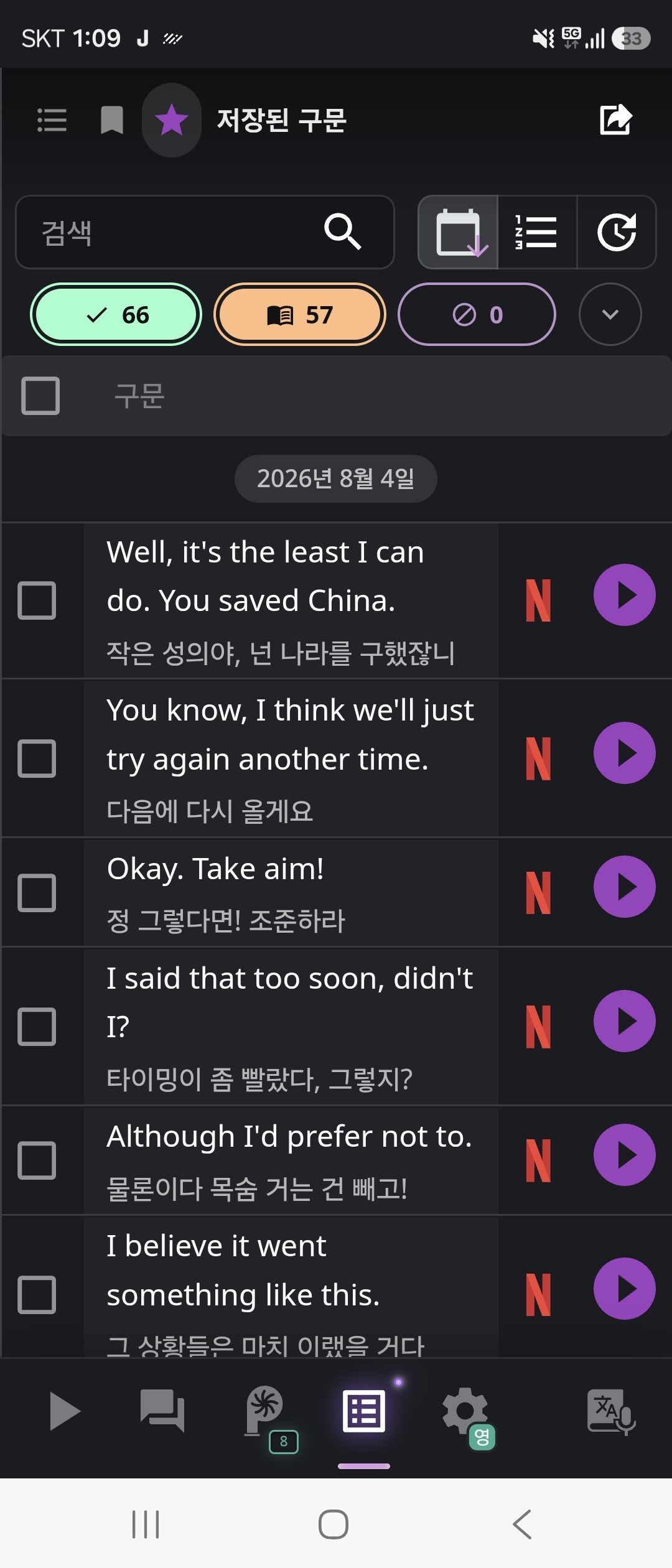
Video : Kunfu panda on Nexflix
Country : Korea
Language : English
Ps. I have already done logout and log in.
Dear Support Team,
I am writing to report a recurring issue with audio playback on my Pro account.
Here are the details of the problem:
Account Type: Pro Subscriber
Primary Issue: Clicking the play button for saved phrases does not produce any audio.
What is working:
The Netflix button works normally.
Clicking individual words within a sentence still plays the word audio correctly.
Trigger / Pattern: This happens repeatedly for a month. It usually stops working after I click the saved phrase play button multiple times in a short period.
Platform: The issue occurs intermittently on both the mobile app and the web browser.
Current Status: The audio is currently not working on the mobile app.
Could you please look into this bug and advise on a fix?
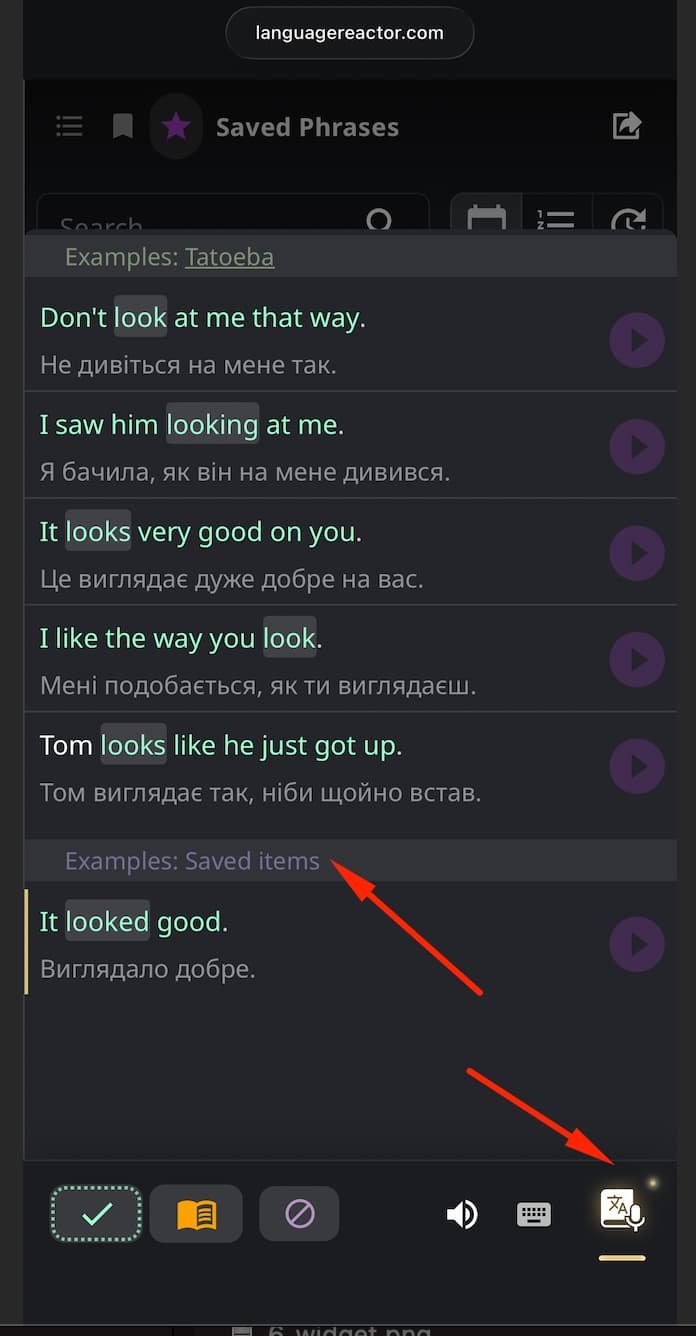
Hi @mjk010537! Thank you for your detailed report. Could you please specify in which section you’re seeing the issue? Is it in the “Saved Phrases” section or the ‘Dictionary’ section in the “Example: Saved Phrases” block? I’ve attached a screenshot below for clarity.
Please let us know which mobile device and browser you’re using.
Hi, @mjk010537 thank you for the details so far. I wasn’t able to reproduce the issue on my end(on IOS and Android), so I have a few follow-up questions that would really help narrow it down:
Does this issue also happen when using a regular browser (e.g. Google Chrome) instead of the app? If possible, could you try reproducing it in Chrome on your phone and let us know if the behavior is the same?
If you have access to a desktop/laptop, could you also try testing there? That would help us figure out if this is specific to mobile.
To clarify the pattern: does the saved phrase audio fail to play only after clicking the play button multiple times, or does it also fail on the very first click? This part isn’t fully clear to me, and it would help to know exactly when the audio stops working.
Thanks again for your patience, this will help us pinpoint the issue.
Mobile Chrome Test: Yes, the exact same issue occurs when using Google Chrome on my mobile phone.
Desktop Test: The audio plays normally and works fine on a desktop/laptop environment.
Trigger Pattern & Behavior:
It usually happens while I am in the middle of a listening practice—the audio suddenly stops playing at some point.
Once this issue is triggered, all subsequent audio fails to play even on the very first click.
Additional Information: This issue was happening last month as well. Back then, if I waited for a while after the error occurred, it would start working again. However, right now, the audio remains broken and won’t play even after almost a week.
Hi @Stoic, thank you for letting us know about this. Does this happen only when uploading subtitle files, or does it also occur when selecting “Generate from audio (ASR)”?
We’ve noticed that audio stuttering occurs during automatic subtitle synchronization (a new feature that was recently added).
A bug report has been opened, and this will be fixed.
Please confirm that this is the issue you’re experiencing.