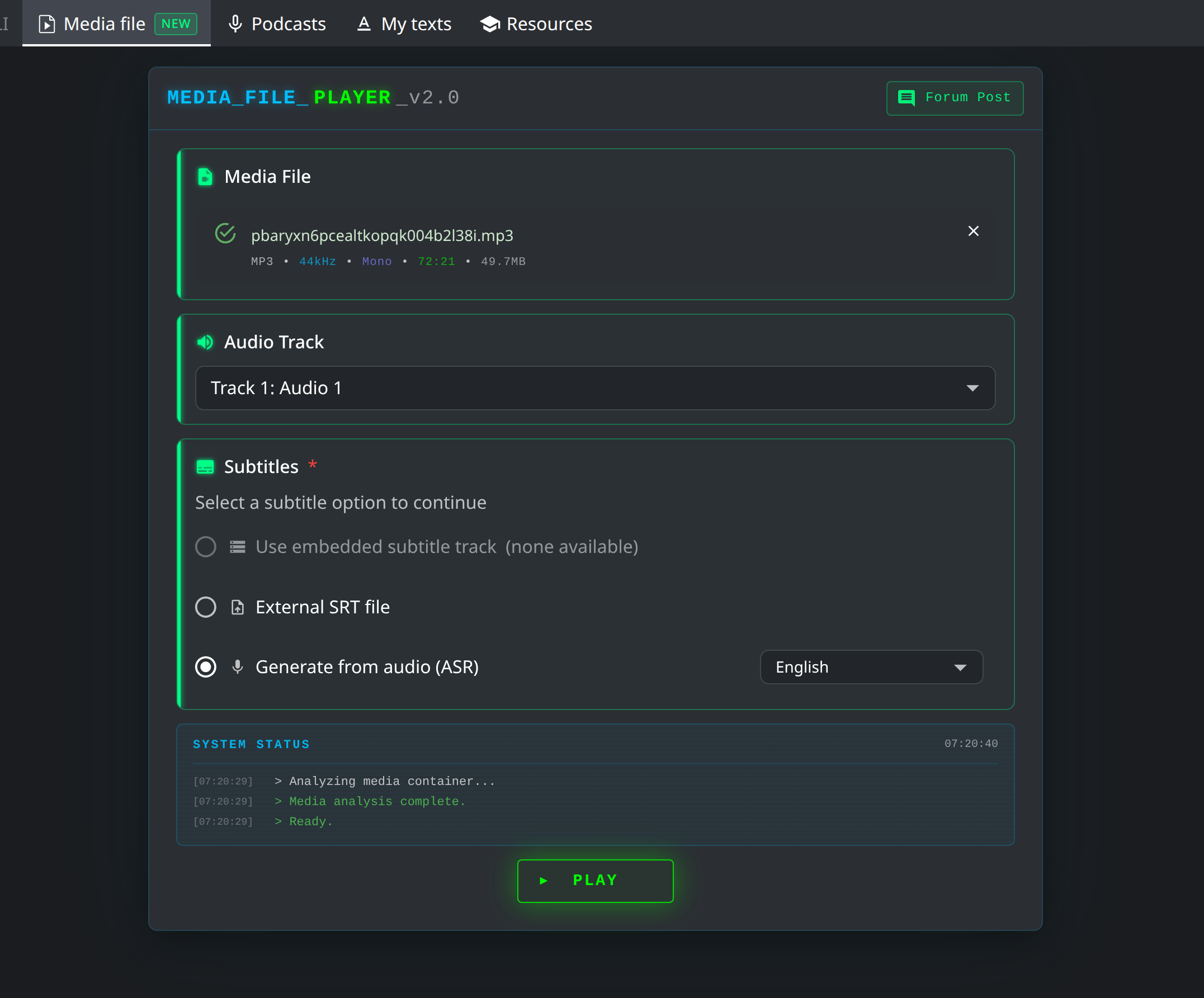
We used to be able to use mp3, srt, txt files in the video player tab. However, after the most recent update, it only allows to upload video files in this section.
Could you please tell us where can we keep using the audio files (mp3 etc) and if this functionality was removed - would it be possible to bring this back?
Oh, I didn’t realise someone was using this feature with audiofiles. I’ll fix it now.
What kind of audio files do you use? Actually one of the next features I wanted to make was to upload audio files and audiobooks so you can play them later on your phone etc.
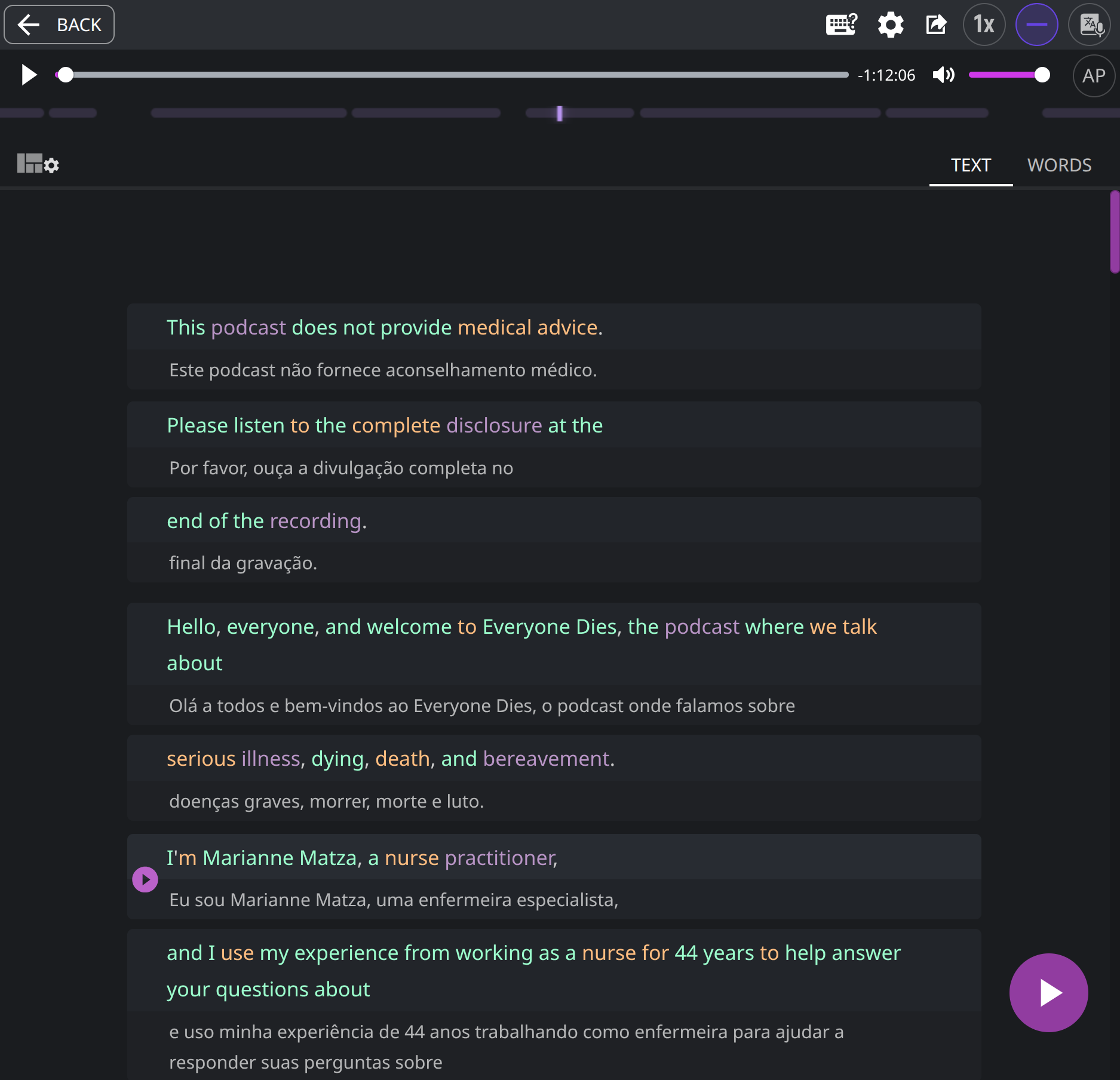
We used to upload an MP3 file along with an SRT file that contained subtitles for the audio track. This setup allowed us to listen to the audio in English while having both the original speech and its translation displayed in the subtitles. It was a really convenient way to practice our listening skills. The combination of MP3 and SRT was the most important functionality for us.
That being said, I think what you’re working on now is exactly what we need, so thanks for looking into this.
Hi, really amazing feature, and thanks a lot for this.
Just wanted to ask if there is any way to download the text/dual-subtitles ? So can use them offline too.
Reason being post uploading a video, if the tab get’s refreshed ( auto refreshed by browser ) then we have to upload the video again, and go to the time stamp we left at again.
Maybe if we could download the subtitles , so we can use them offline. Or can save the video temporarily, that would be really helpful.