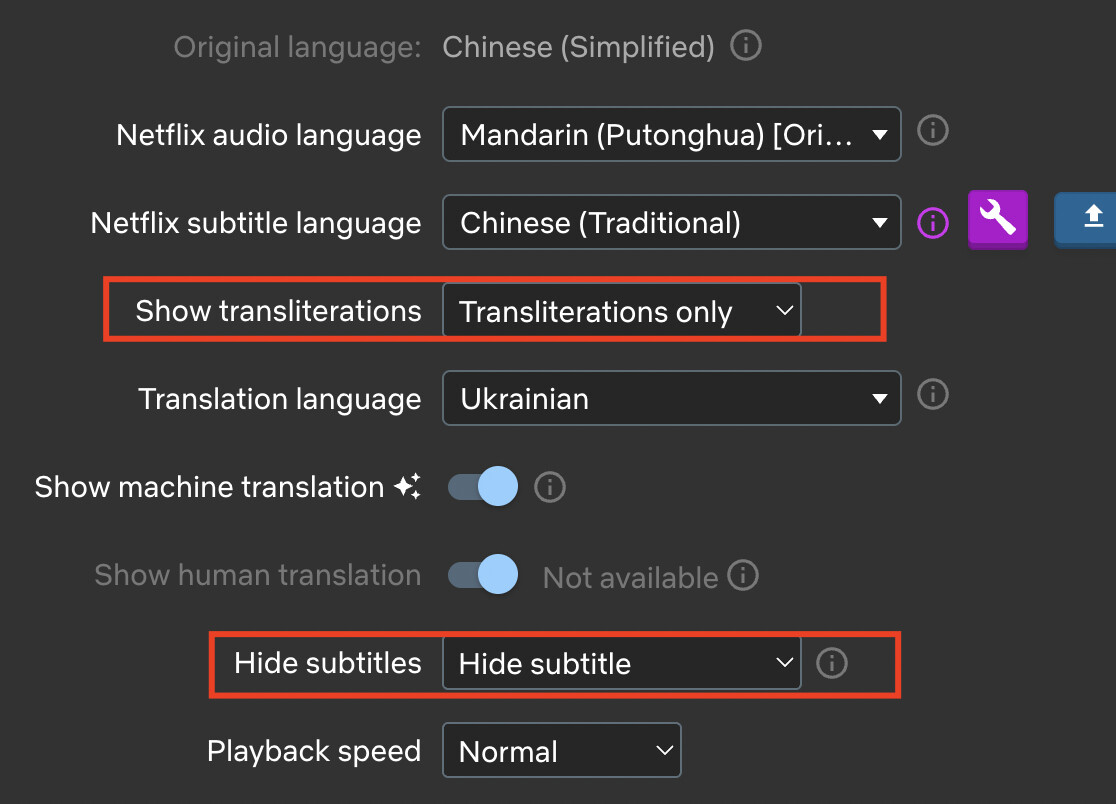
Hello, I love using your extension for watching Netflix. I really enjoy the feature for hiding/blurring translations until I hover over it. I am wondering if there is a similar feature for transliterations so that could blur them as well. I am trying to improve my Chinese Hanzi so I don’t want to see the pinyin unless I really need it. Right now I can hide the pinyin or show it fully, but blurring them until hovering over it would be great!
Thanks so much!